---
title: "The Fizzy Menu"
url: "https://help.fizzy.do/3/fizzy-help-guide/42/the-fizzy-menu"
---
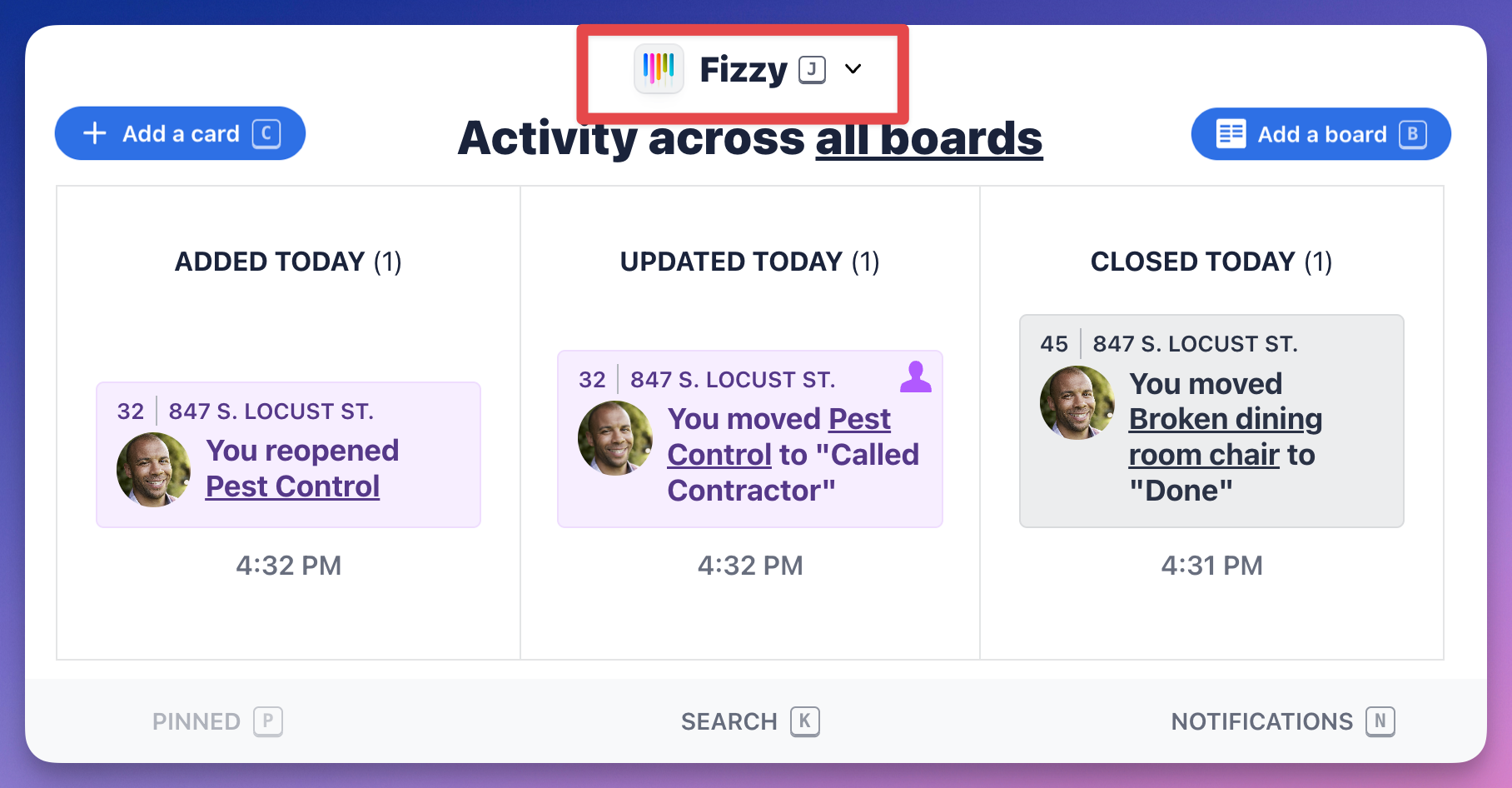
Navigating around Fizzy is fast and simple. Click Fizzy at the top of the screen or hit J on your keyboard to pop open the menu.
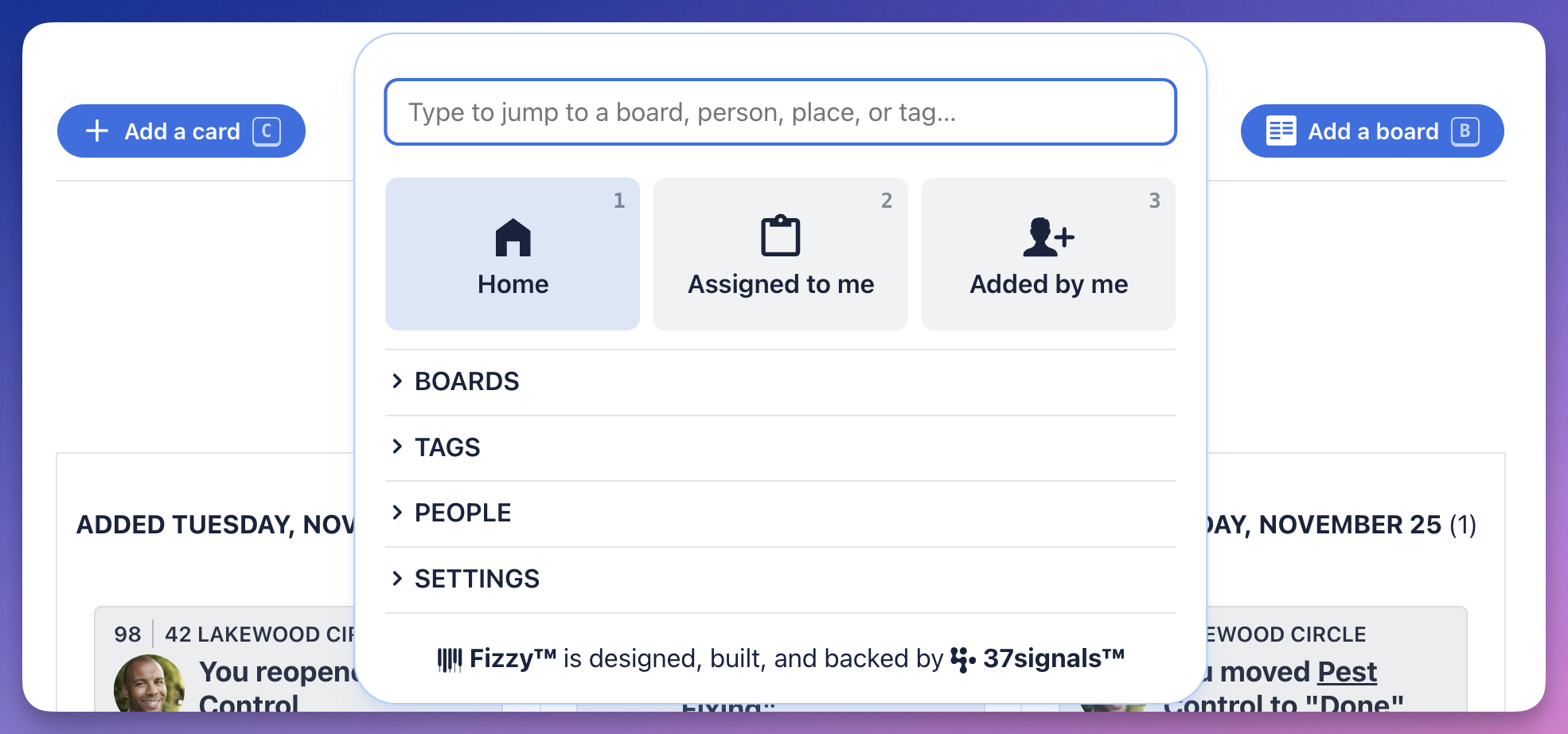
The menu is accessible on every page and lets you see the cards that are assigned to you, ones you've assigned to others, boards, tags, people and more. Use the keyboard shortcuts to move around Fizzy even faster.
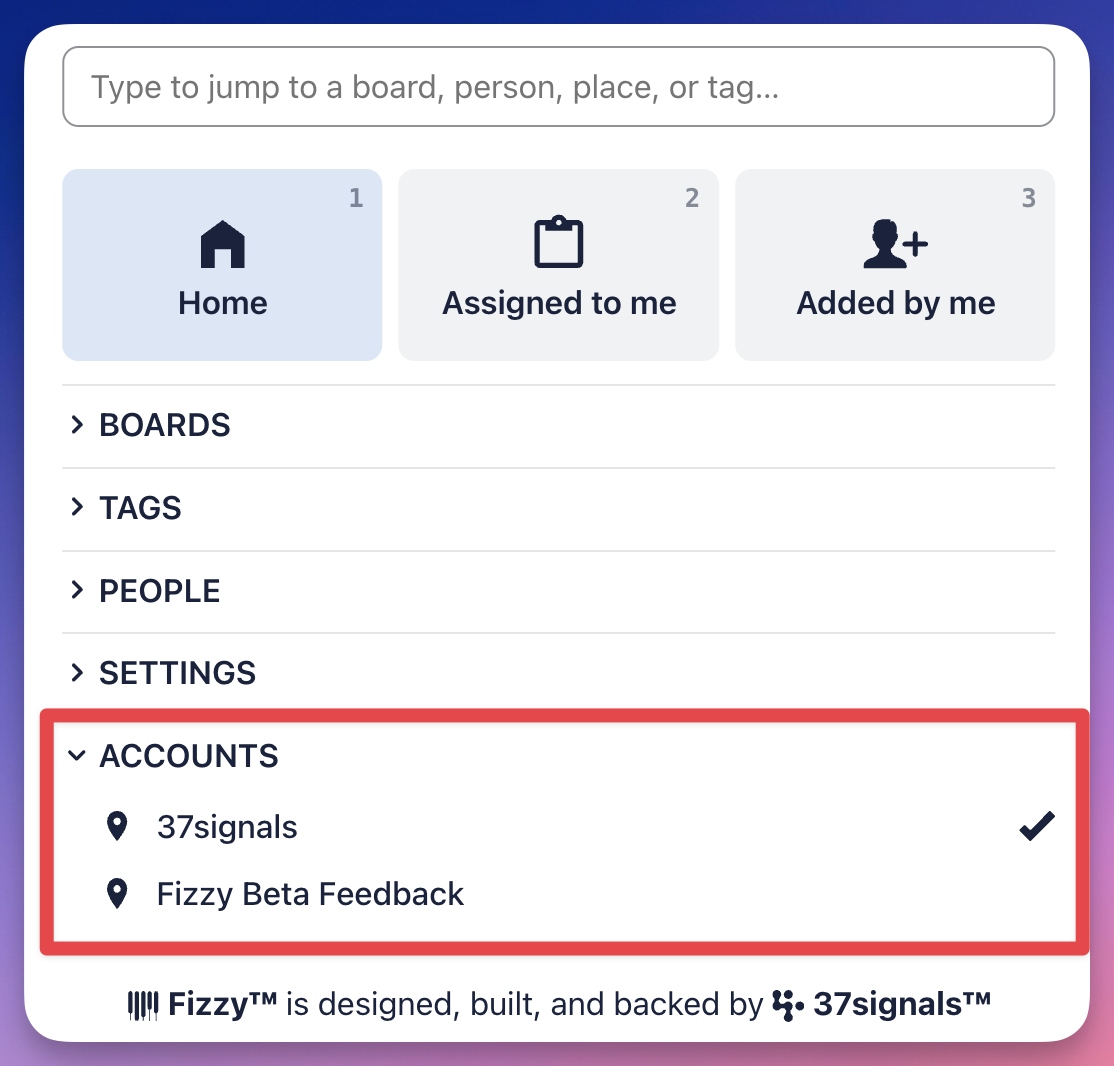
If you're working in multiple Fizzy accounts, you'll see an **Accounts** section at the bottom of the menu. Click to expand the section, then select the account you want to switch to.