---
title: "Adding &amp; Viewing"
url: "https://help.fizzy.do/3/fizzy-help-guide/45/adding-viewing"
---

Boards organize your <a href="https://help.fizzy.do/3/fizzy-help-guide/48/adding-assigning”target="_blank">cards</a> and help you follow the progress. Cards can be used to track issues, bugs, ideas, features, projects, or even chores — anything that needs to get done.
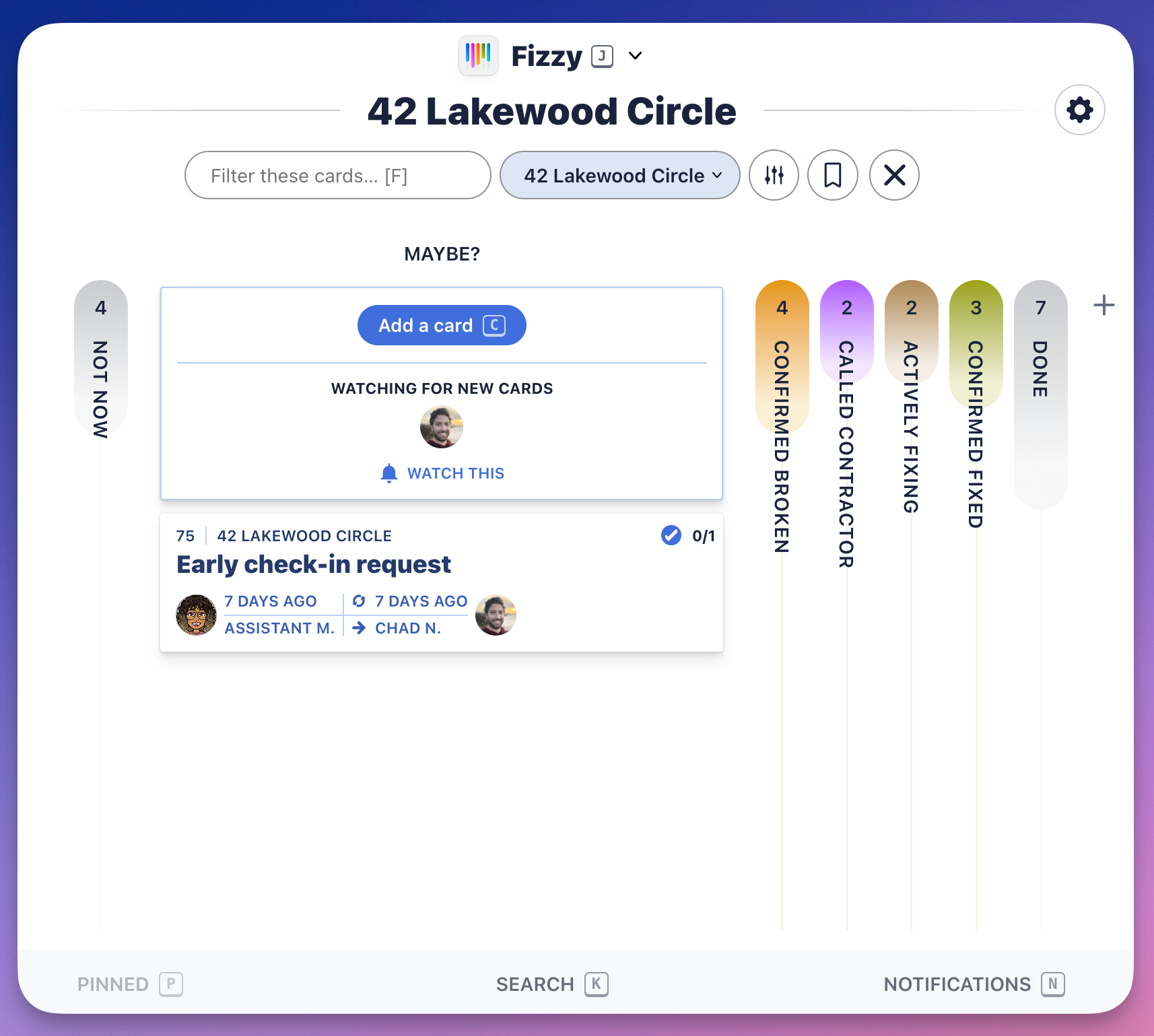

 ![Screenshot of a Fizzy Board with the MAYBE? column expanded. All other columns are collapsed.](https://help.fizzy.do/u/fizzy-board-v0Gpbt.png) 
***
###Add a board
With Fizzy, it's all about ease. Create boards in three different ways: open the <a href="https://help.fizzy.do/3/fizzy-help-guide/42/the-fizzy-menu"target="_blank">Fizzy menu</a> (<code>J</code>) and click <code>+Add a board</code>; head to your <a href="https://help.fizzy.do/3/fizzy-help-guide/41/home”target="_blank">Home Screen</a> and click the Add a board button; or press <code>B</code> on your keyboard from the Home Screen or any activity page.
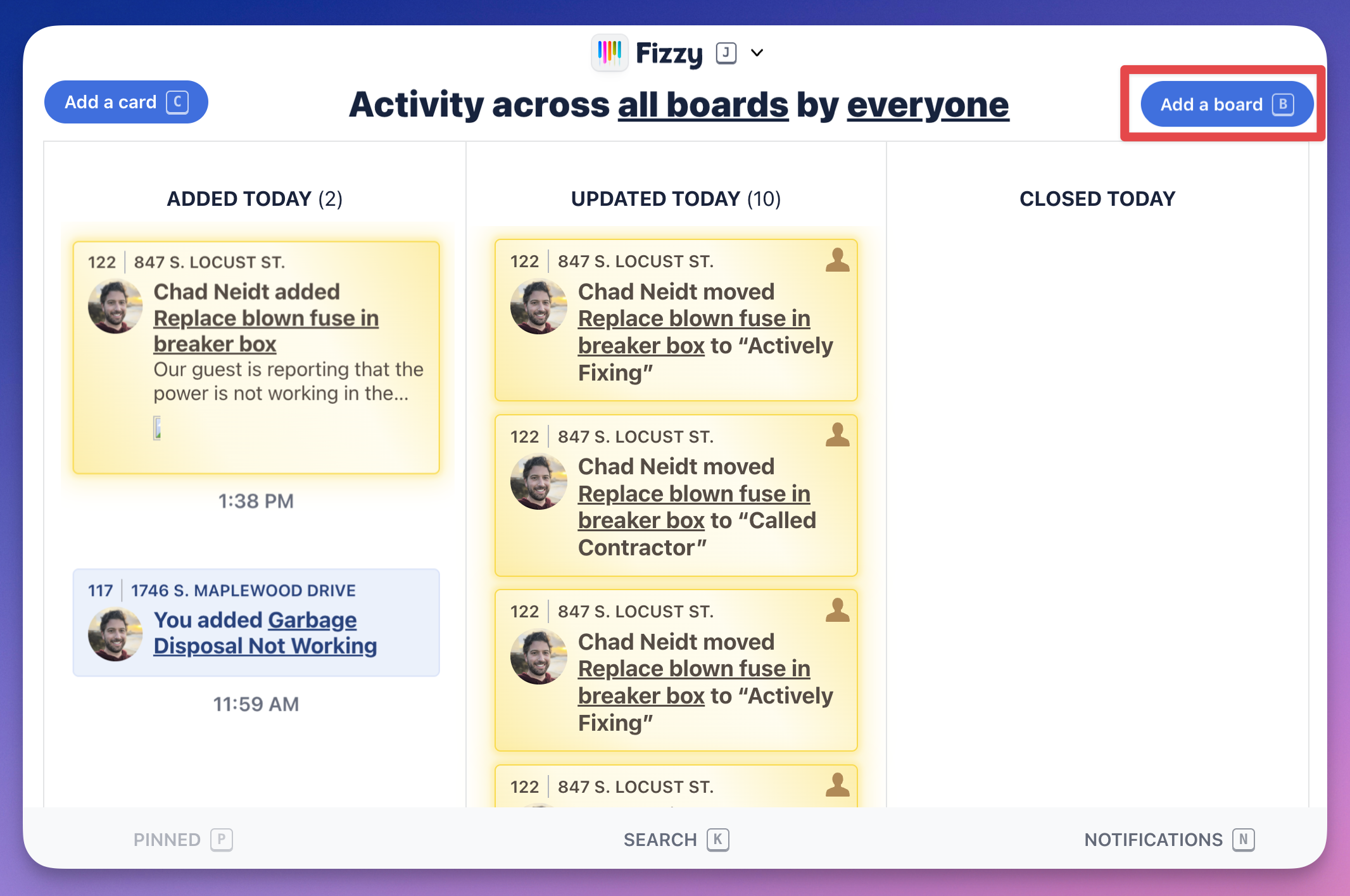

![Screenshot of the Home screen with the add a board button outlined in red.](https://help.fizzy.do/u/fizzy-home-with-add-a-board-button-outlined-vvAgmq.png)

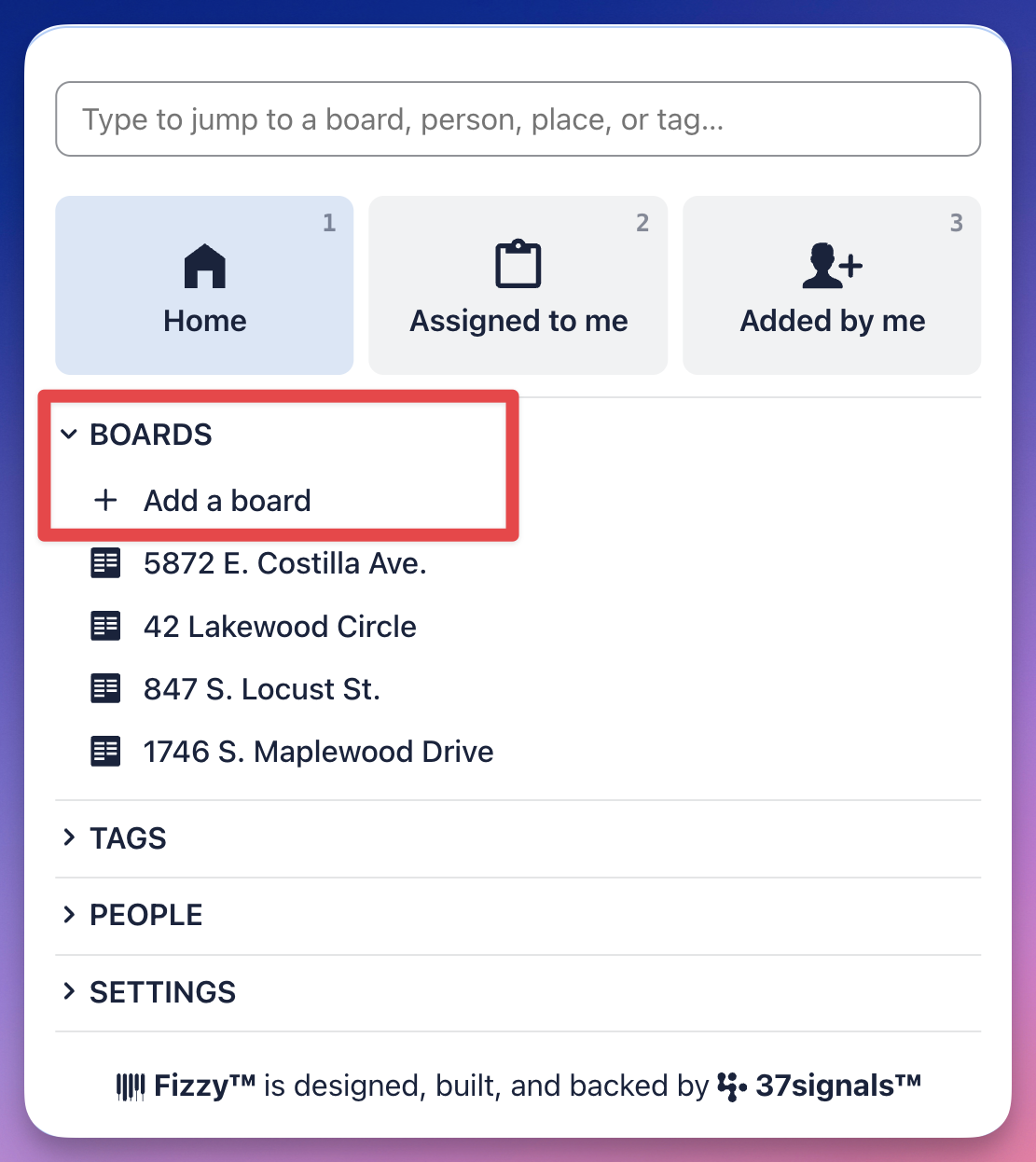
![Screenshot of an opened Fizzy menu with the BOARDS section expanded and the Add a Board option outlined in red.](https://help.fizzy.do/u/fizzy-menu-add-a-board-12-2-25-oLBg5D.png)

***
###View a board
Quickly access your boards from the <a href="https://help.fizzy.do/3/fizzy-help-guide/42/the-fizzy-menu"target="_blank">Fizzy menu</a> (<code>J</code>). Use the Jump bar or click a board listed in the **Boards** section.
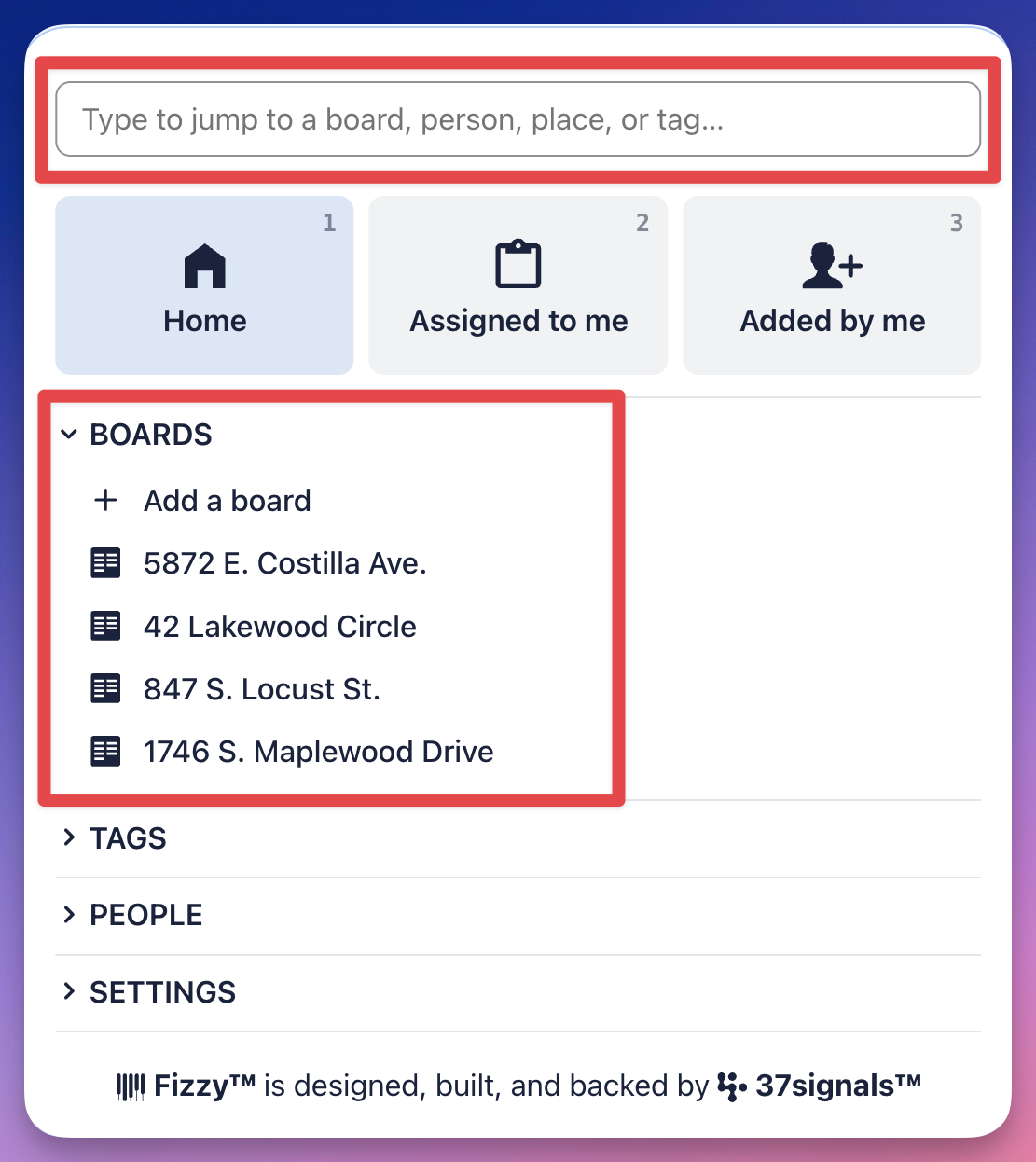

 ![Screenshot of an opened Fizzy menu with the BOARDS section expanded outlined in red.](https://help.fizzy.do/u/fizzy-menu-view-a-board-12-2-25-jUa3x4.png)