After logging in, you'll land on the Activity screen. You'll see what’s been added, updated, and closed, with the most recent updates at the top. The activity feed updates in real-time, with gaps indicating no activity.
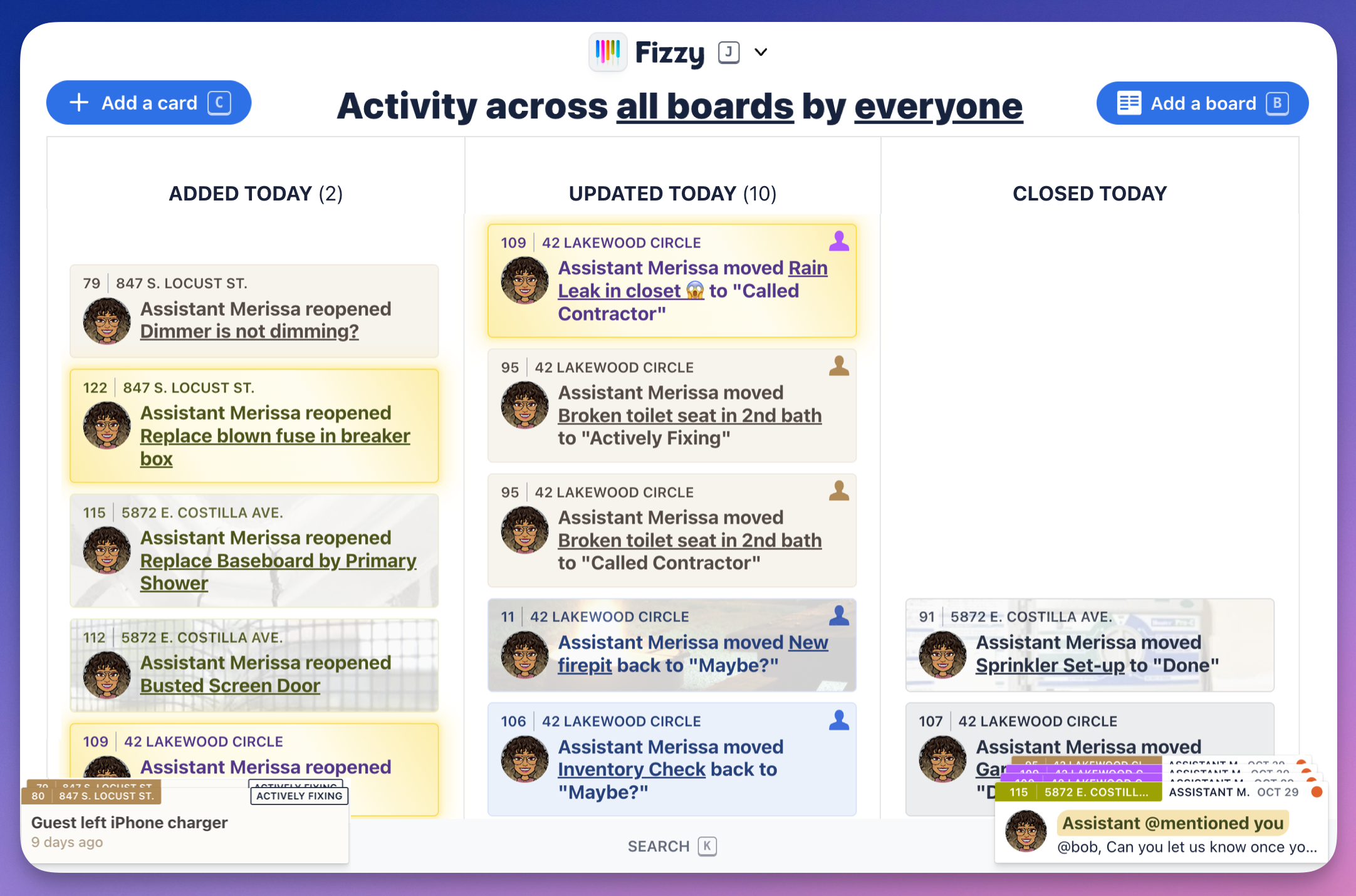
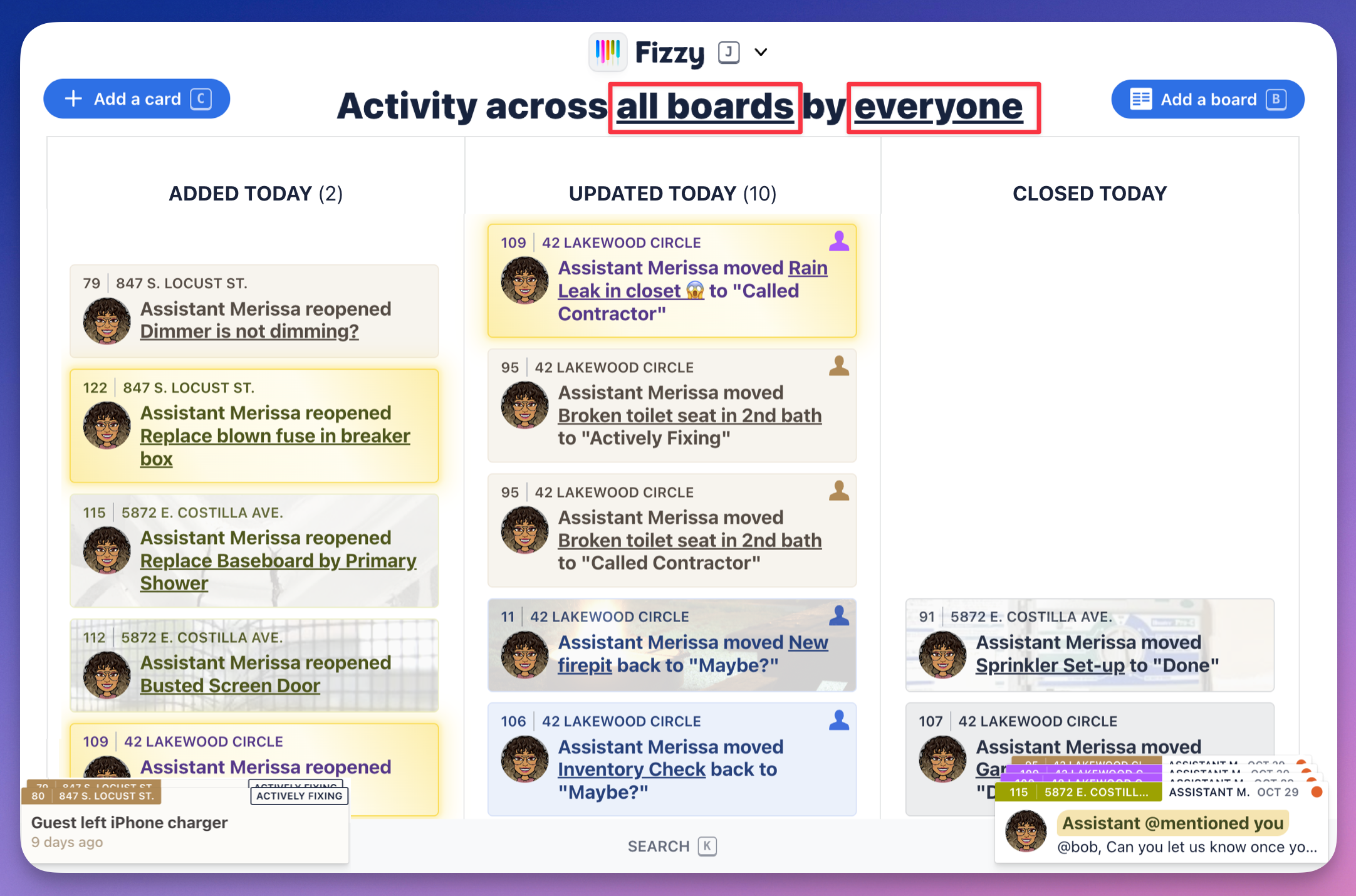
By default, you'll see the activity for everyone's cards from all the boards that are available to you. You can switch to specific boards by clicking the all boards link and selecting the board from the drop down menu. Click the everyone link to see the cards from a specific person.
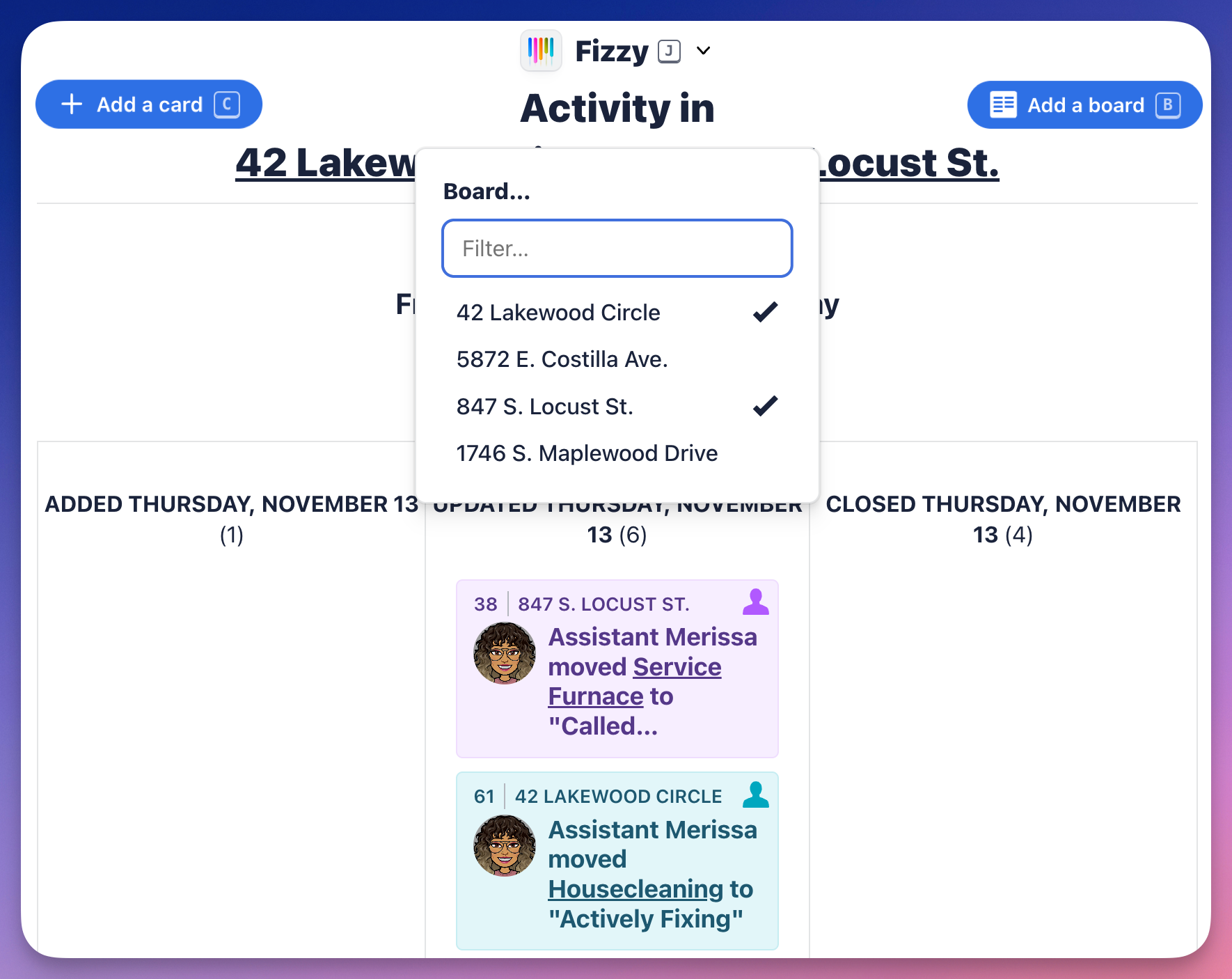
There may be times where you'll want to view activity from multiple boards at once. From any board activity page, click the board link at the top, and select the ones you'd like to view from the drop-down menu.
You can zip back to Home from any screen by hitting 1 on your keyboard or using the Fizzy menu (J).