Get notified
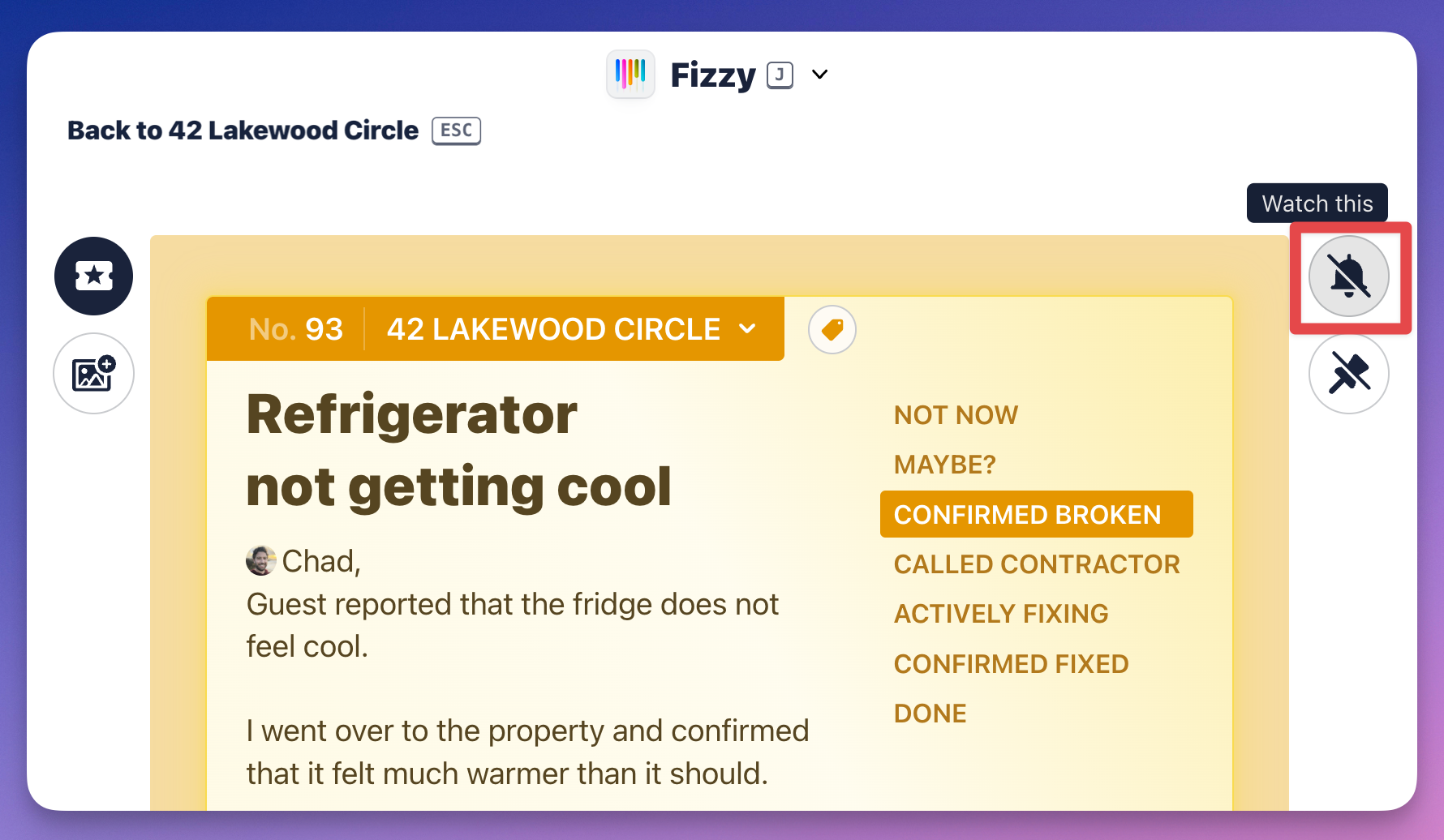
Stay focused by watching just the cards that are relevant to you. Click the "notify" icon to watch a card. You'll then receive notifications when there's new activity there.
Pin your card
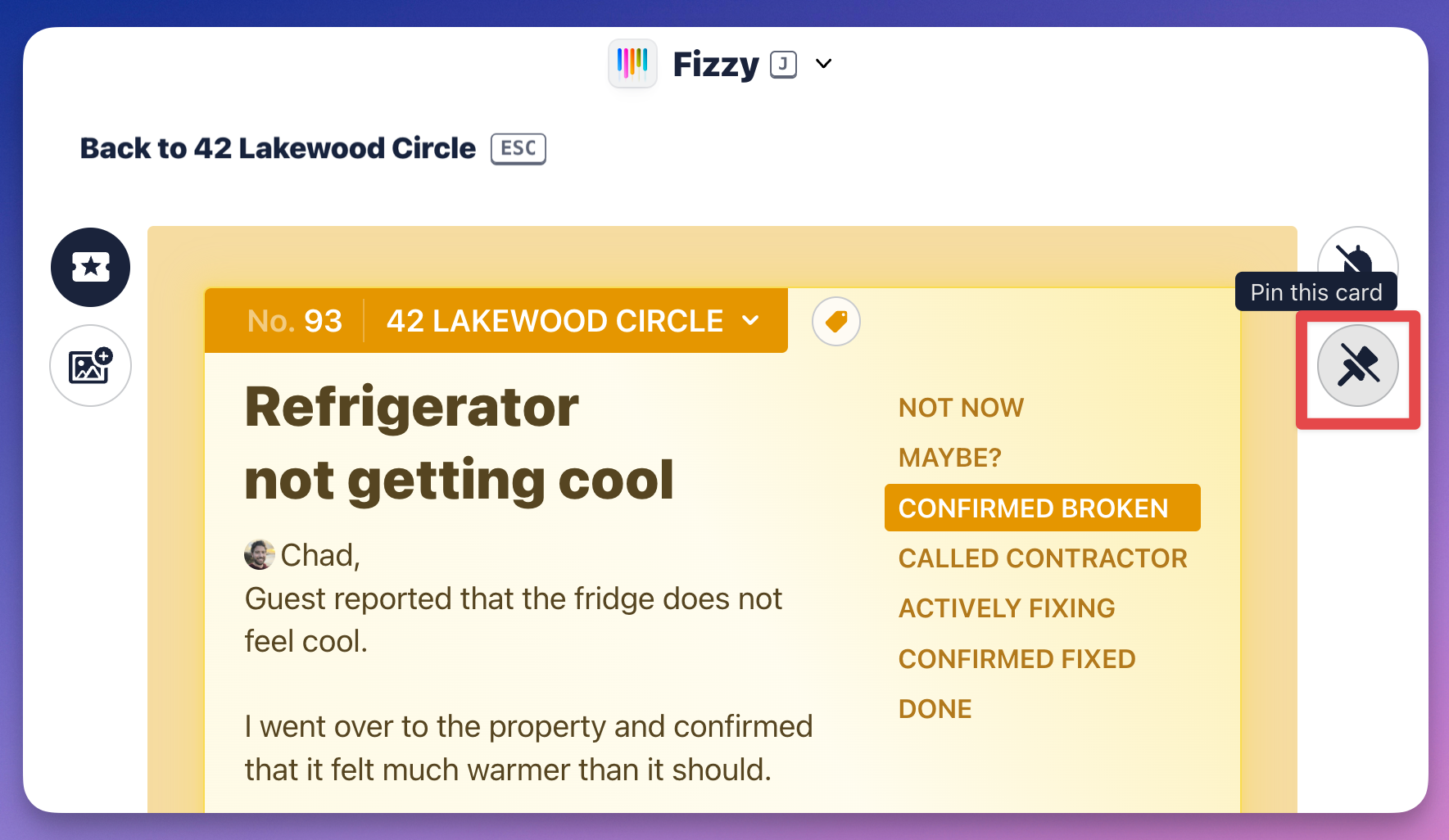
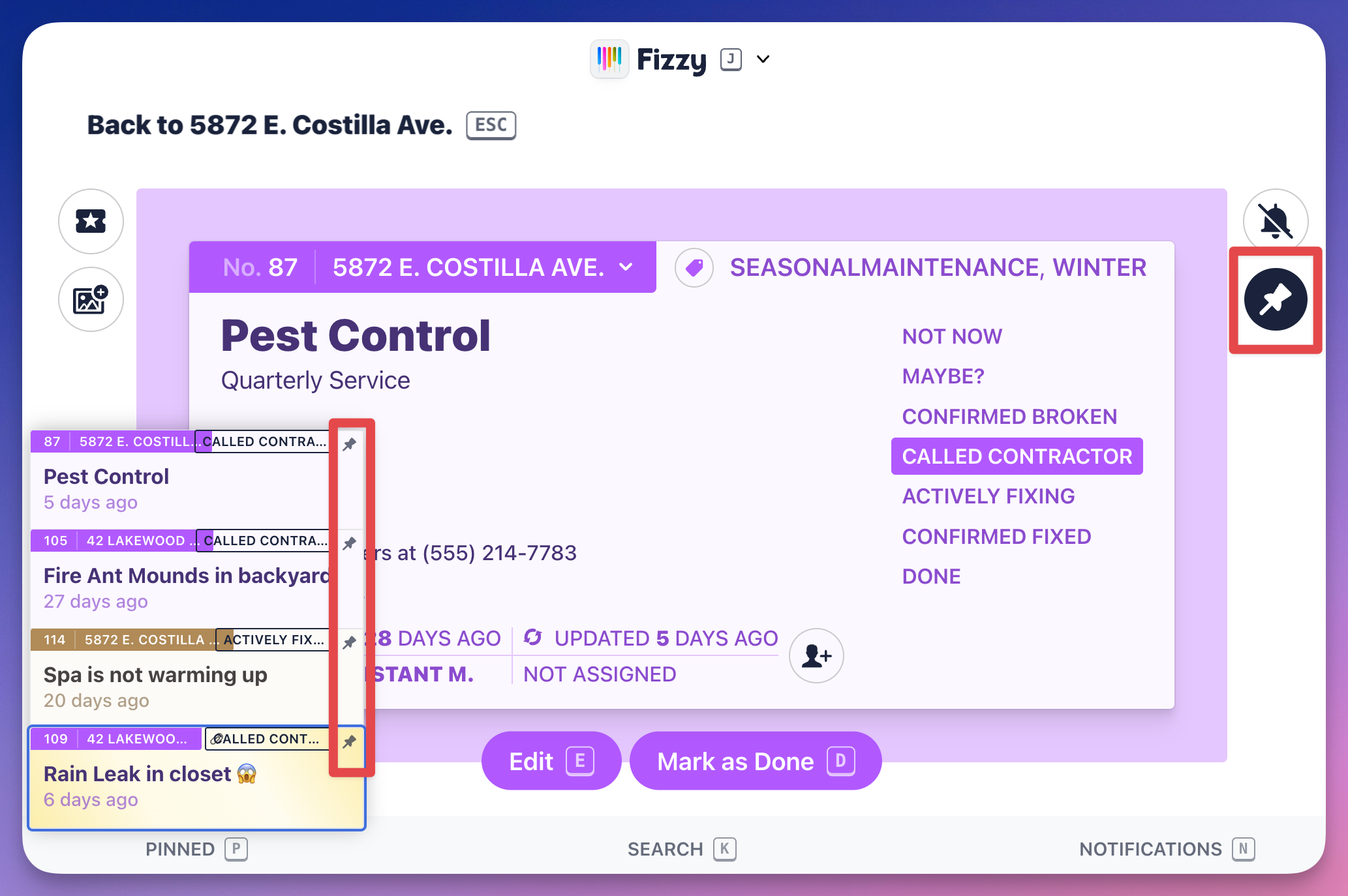
Access your important cards by pinning them. Click the "pin" icon on any card and it'll move it to the Pin stack located on the bottom-left. You'll always see your pinned cards there no matter where you are in Fizzy.
When you click the Pin stack, your cards will expand and you'll see "pin" icon located to the right of the cards — you'll click those to unpin cards.
You can see pinning in action in the video below: