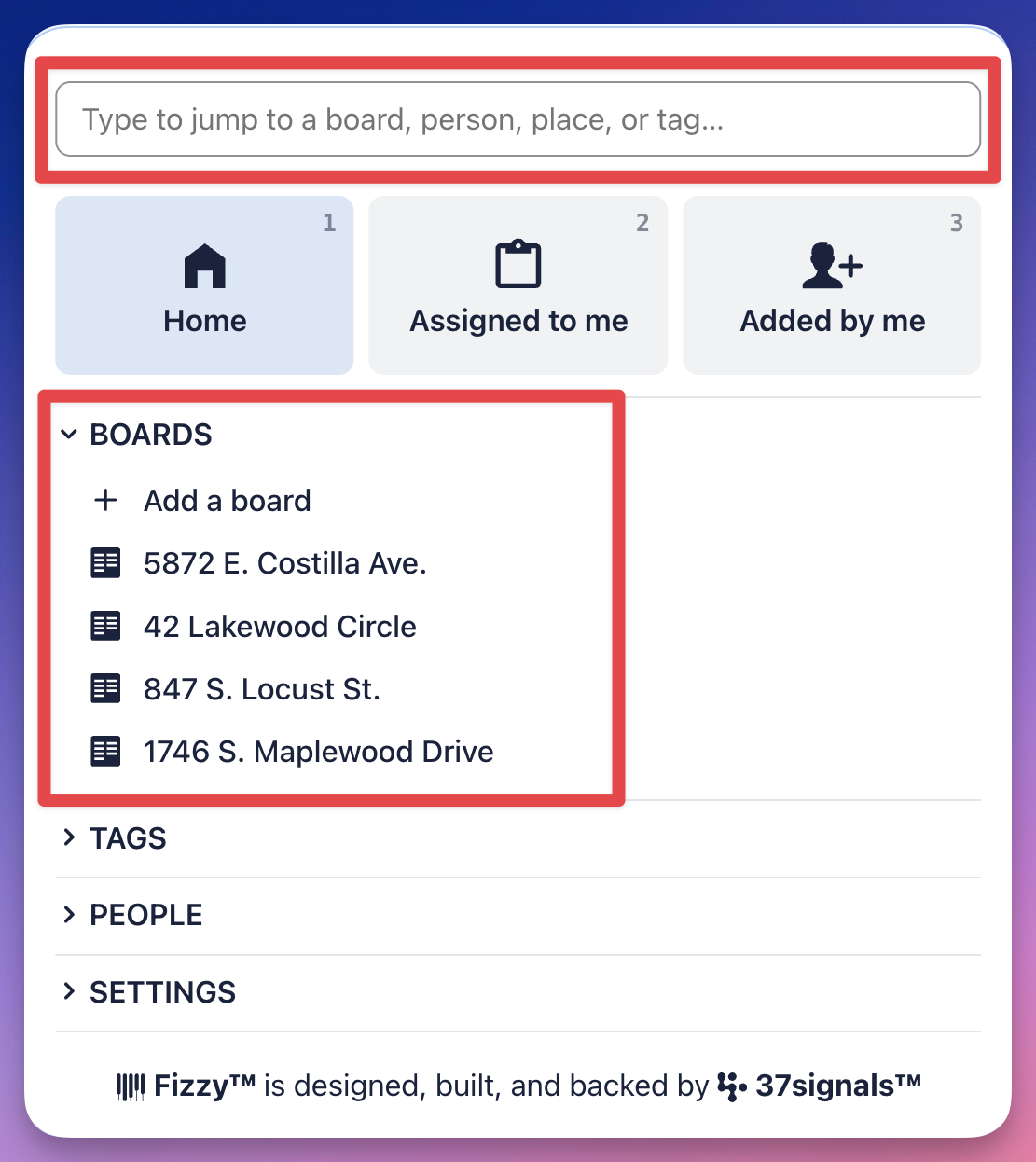
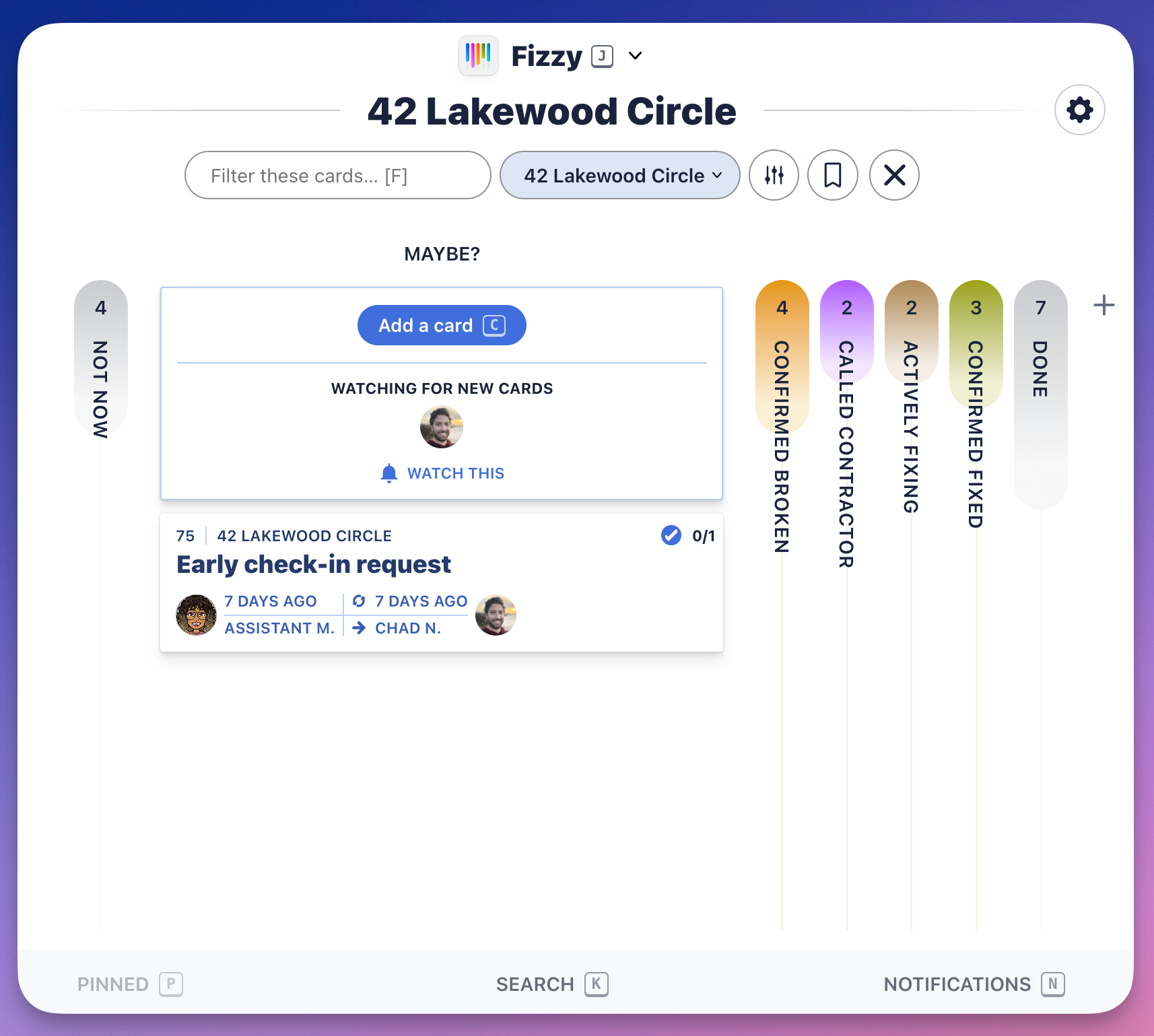
Boards organize your cards and help you follow the progress. Cards can be used to track issues, bugs, ideas, features, projects, or even chores — anything that needs to get done.
Add a board
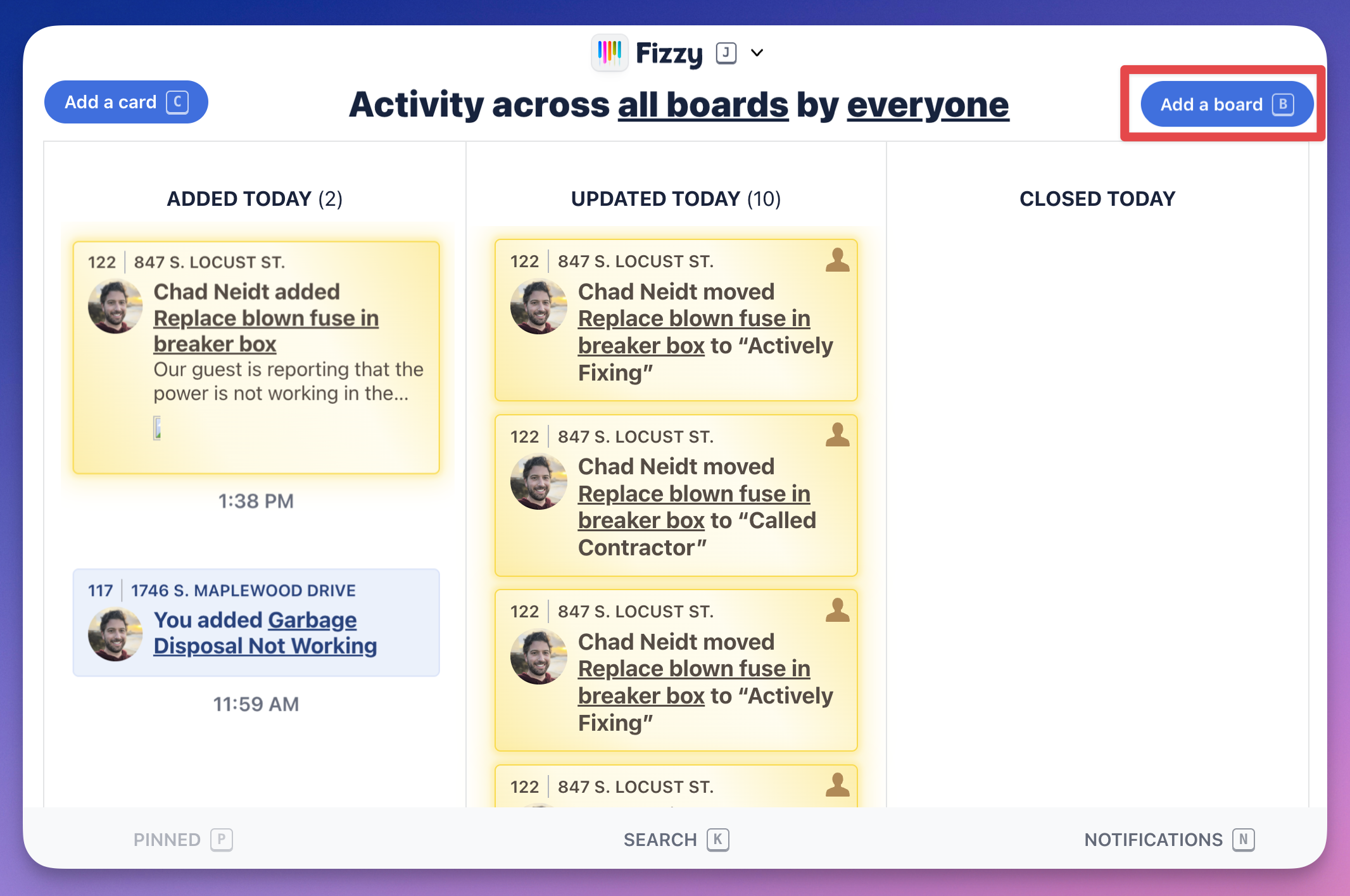
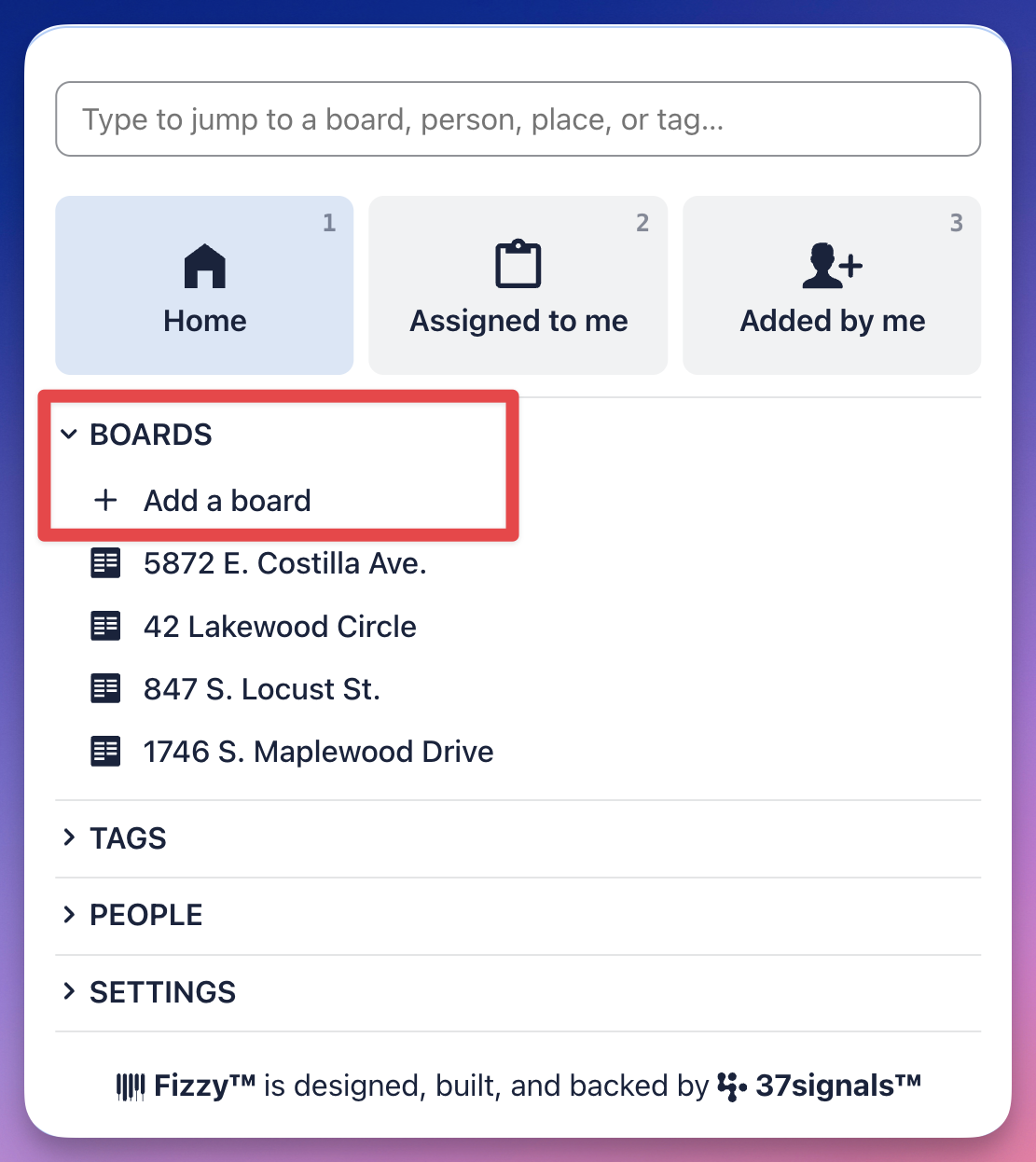
With Fizzy, it's all about ease. Create boards in three different ways: open the Fizzy menu (J) and click +Add a board; head to your Home Screen and click the Add a board button; or press B on your keyboard from the Home Screen or any activity page.
View a board
Quickly access your boards from the Fizzy menu (J). Use the Jump bar or click a board listed in the Boards section.