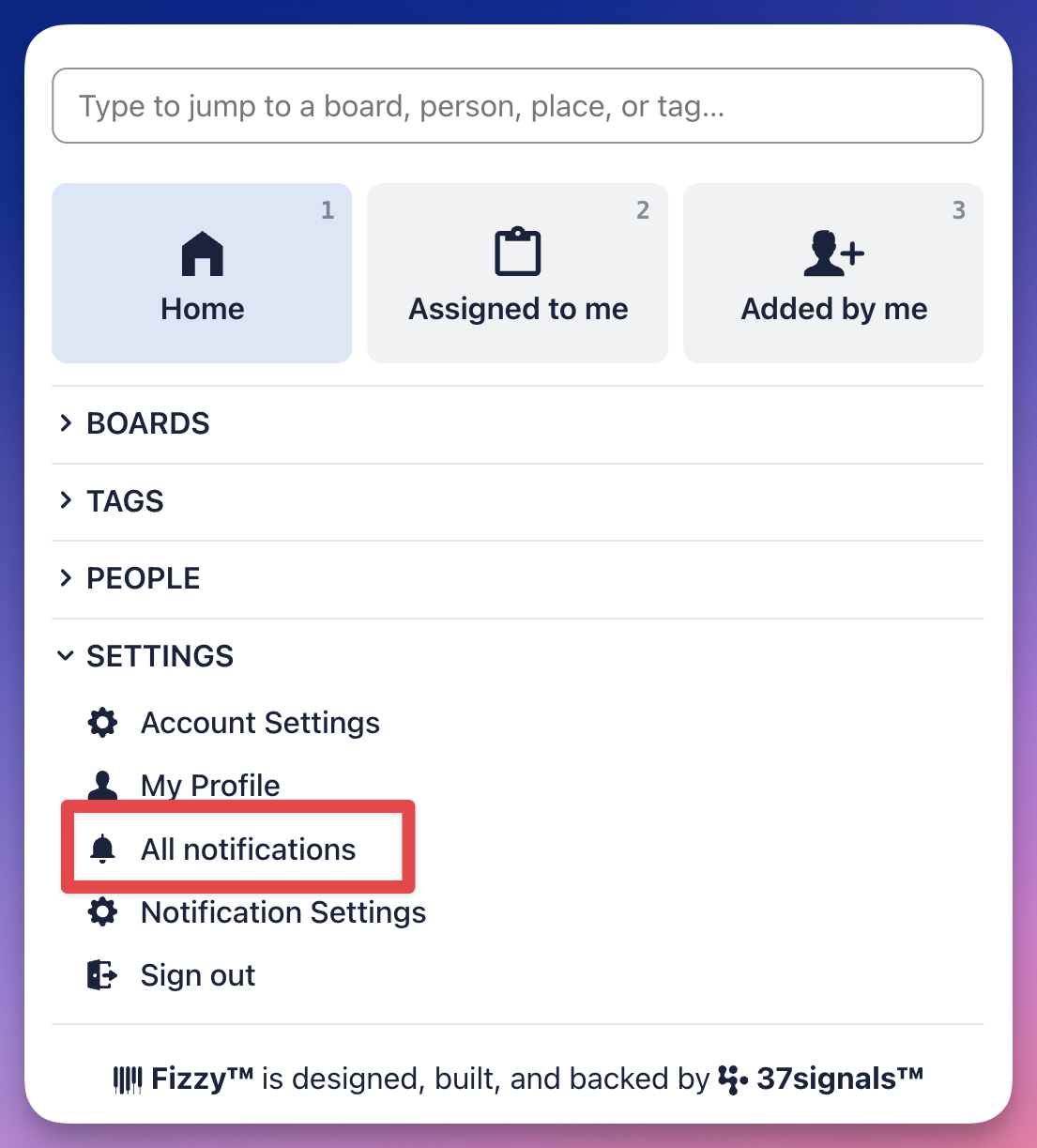
Staying on top of your work is simple with Fizzy's notifications.
Fizzy will notify you when you're assigned a card, @mentioned, or when a comment is posted in a card you're watching.
Your new notifications will be stacked nicely on the bottom-right of every page, just opposite of your pinned cards.
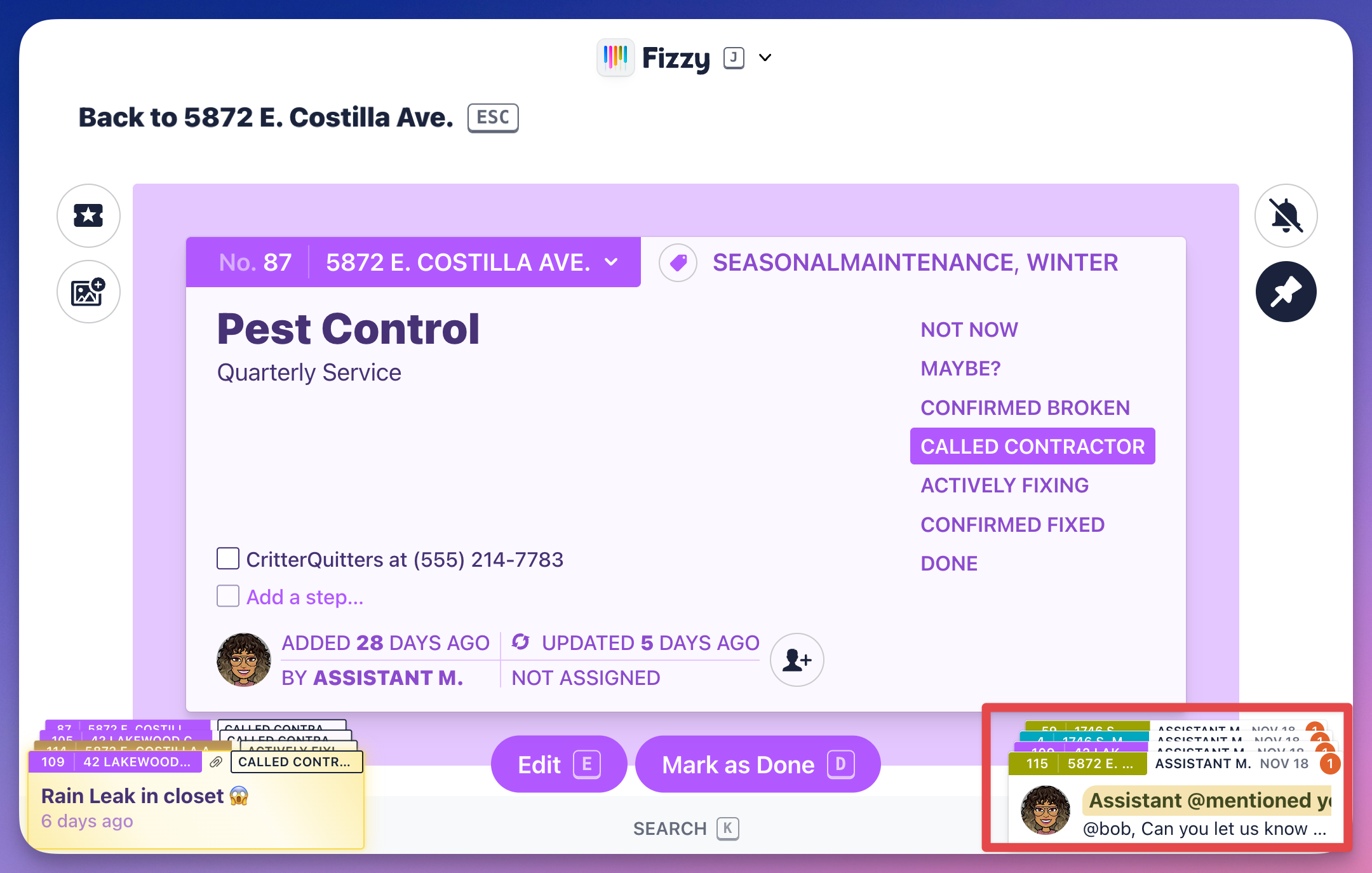
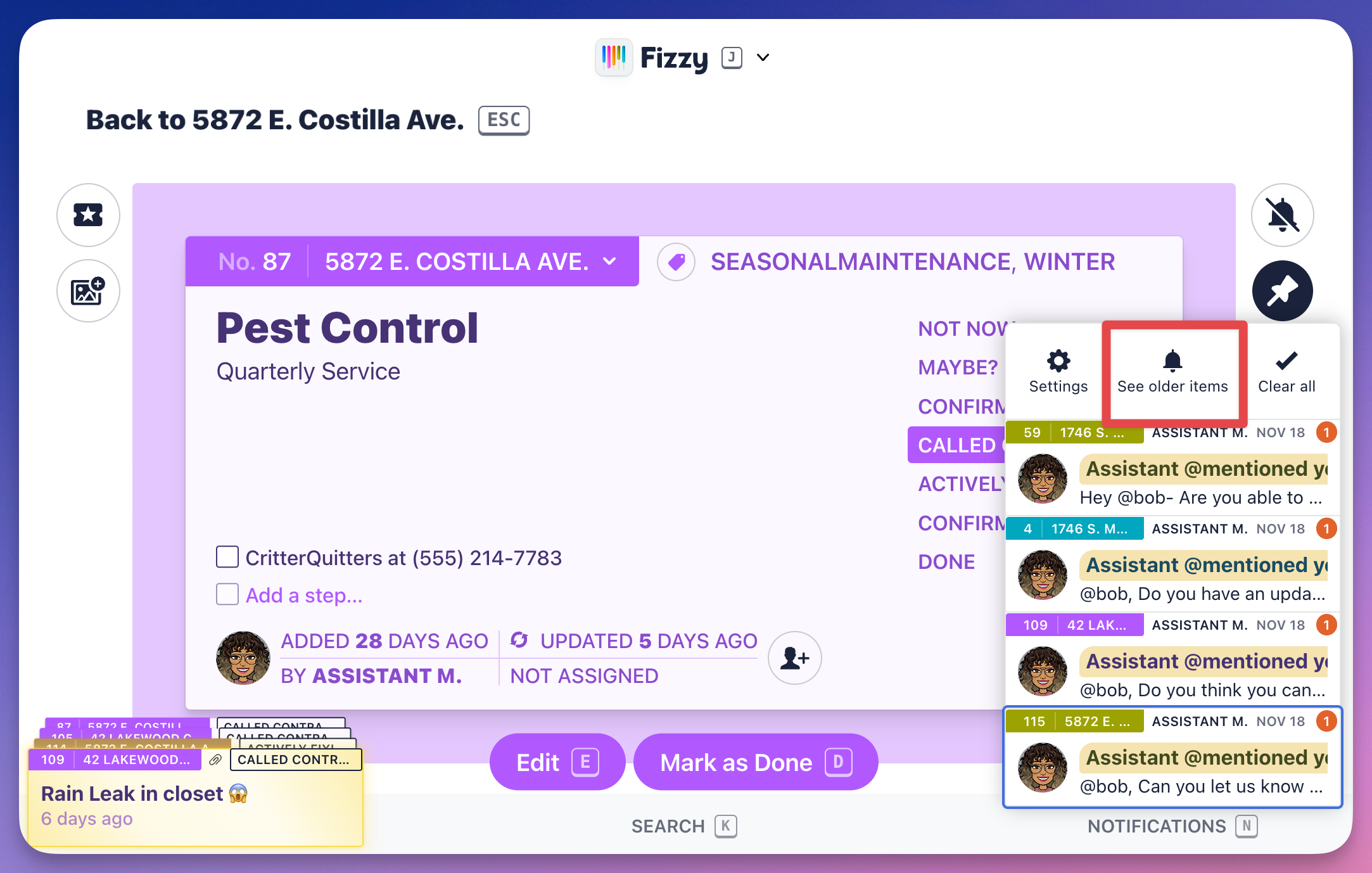
Click the stack to see all of your new notifications. You'll also see options to head to your notification settings, previously read items, and clear your notification stack.
Click the See older items option to access all notifications, including your previously read ones.
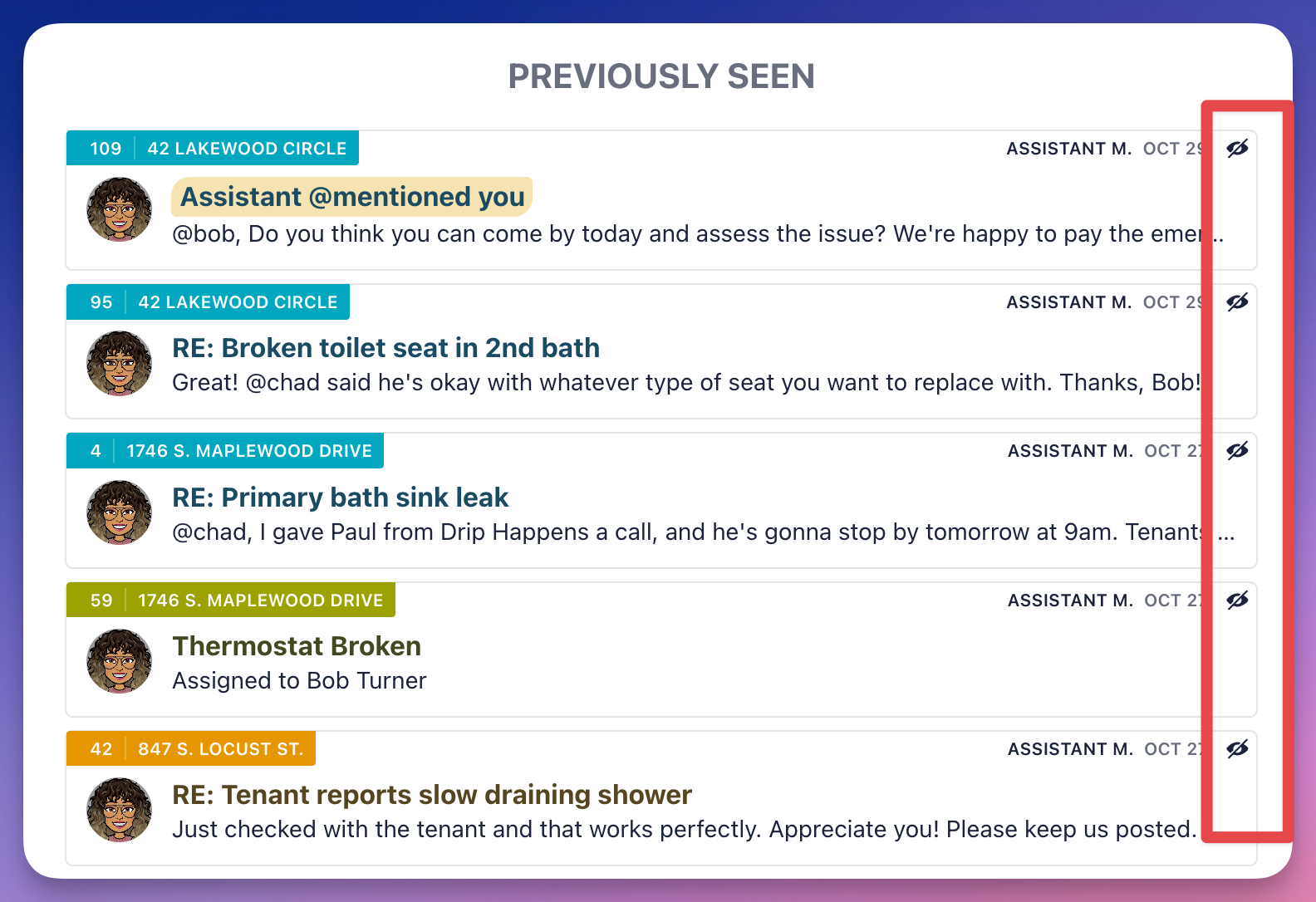
If you see some previously read notifications that you don't want to forget about, pop them into your notification stack by clicking the "unseen" icon next to the notifications you want to mark as unread.
You can also access your notifications from the All notifications option in the Fizzy menu (J).