You're in charge — choose what, how, and when you're notified.
There are three places to access your notification settings: the Notifications settings in the Fizzy menu (J); the "gear" icon on your Notifications page; or the Settings option in Notification tray on bottom navigation bar.
Here you can choose which boards you're notified about, enable push notifications, and decide how often you'll receive email notifications.
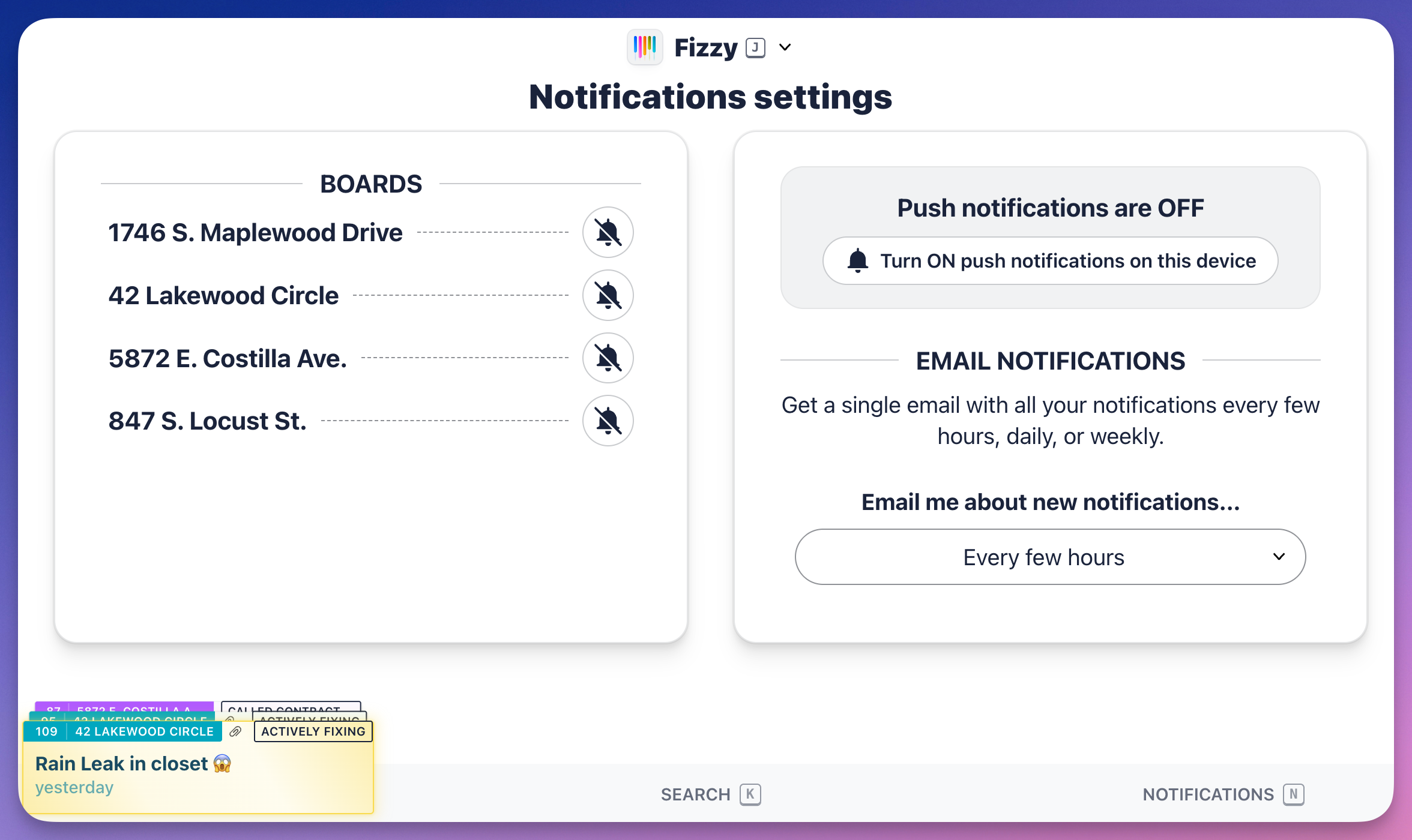
Push notifications are controlled by the browser you're using. If you're not receiving push notifications, click the Not receiving notifications? button and follow the instructions that open below.
