Close a card
There are a few ways a card can be closed:
- Manually by dragging it to the DONE column on a board
- Clicking the Mark as done button within a card
- Pressing
Don your keyboard while viewing a card
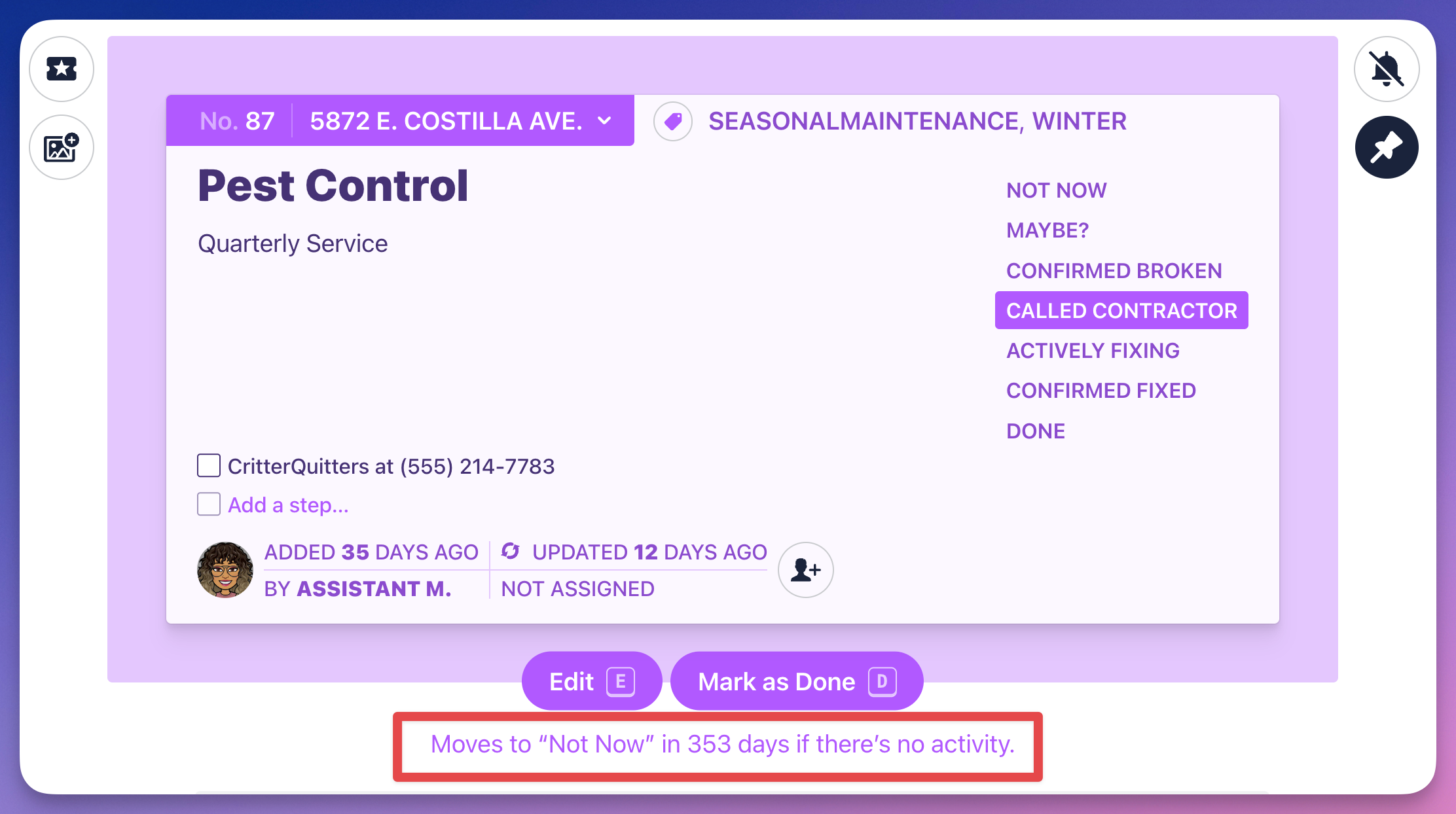
Or do nothing and the Auto close settings will move the card to the NOT NOW column automatically.
Open a closed card
To reopen a card:
- Click and drag the card out of the DONE column to another
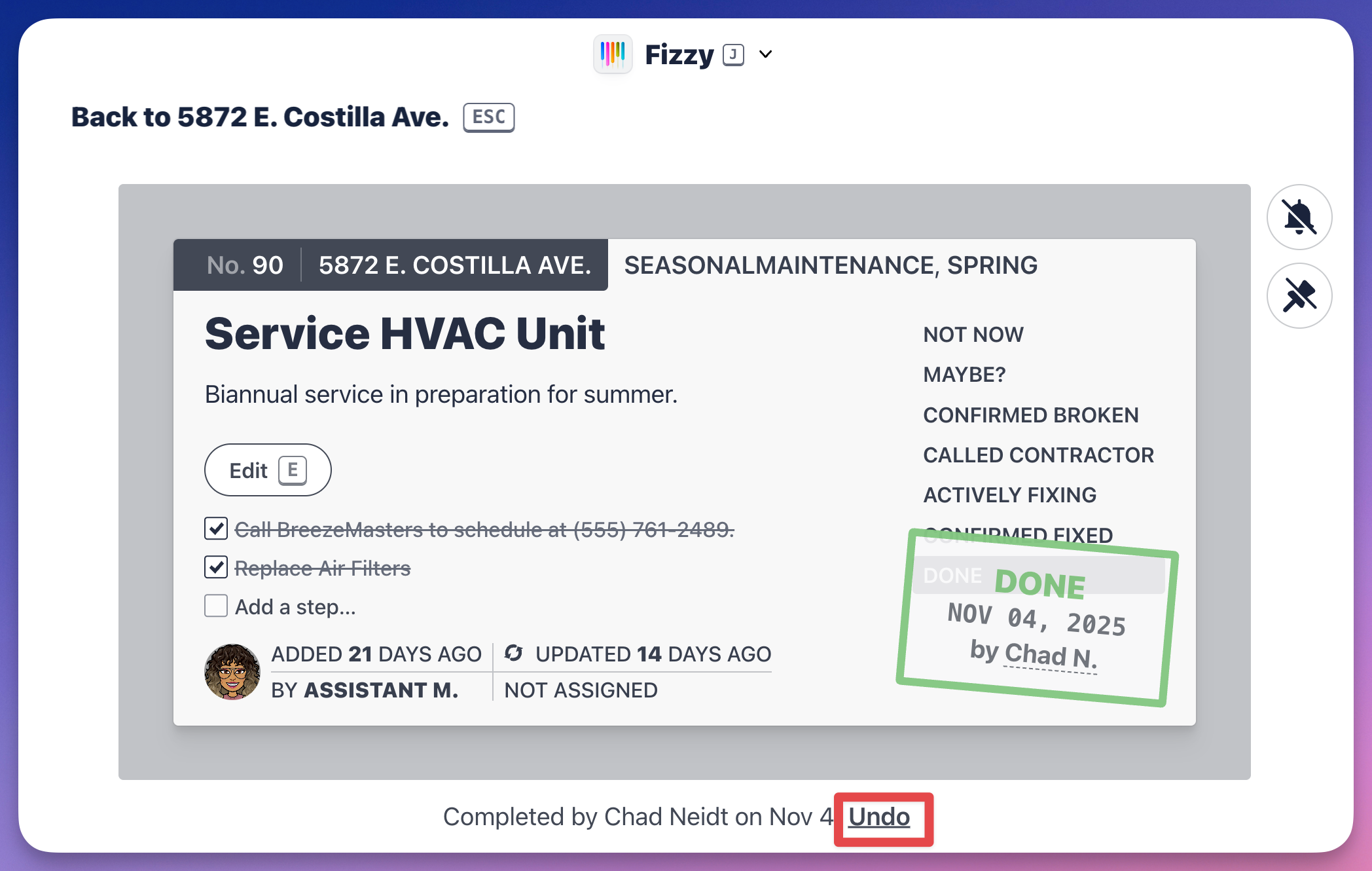
- Click the Undo link located beneath the closed card.
Delete a card
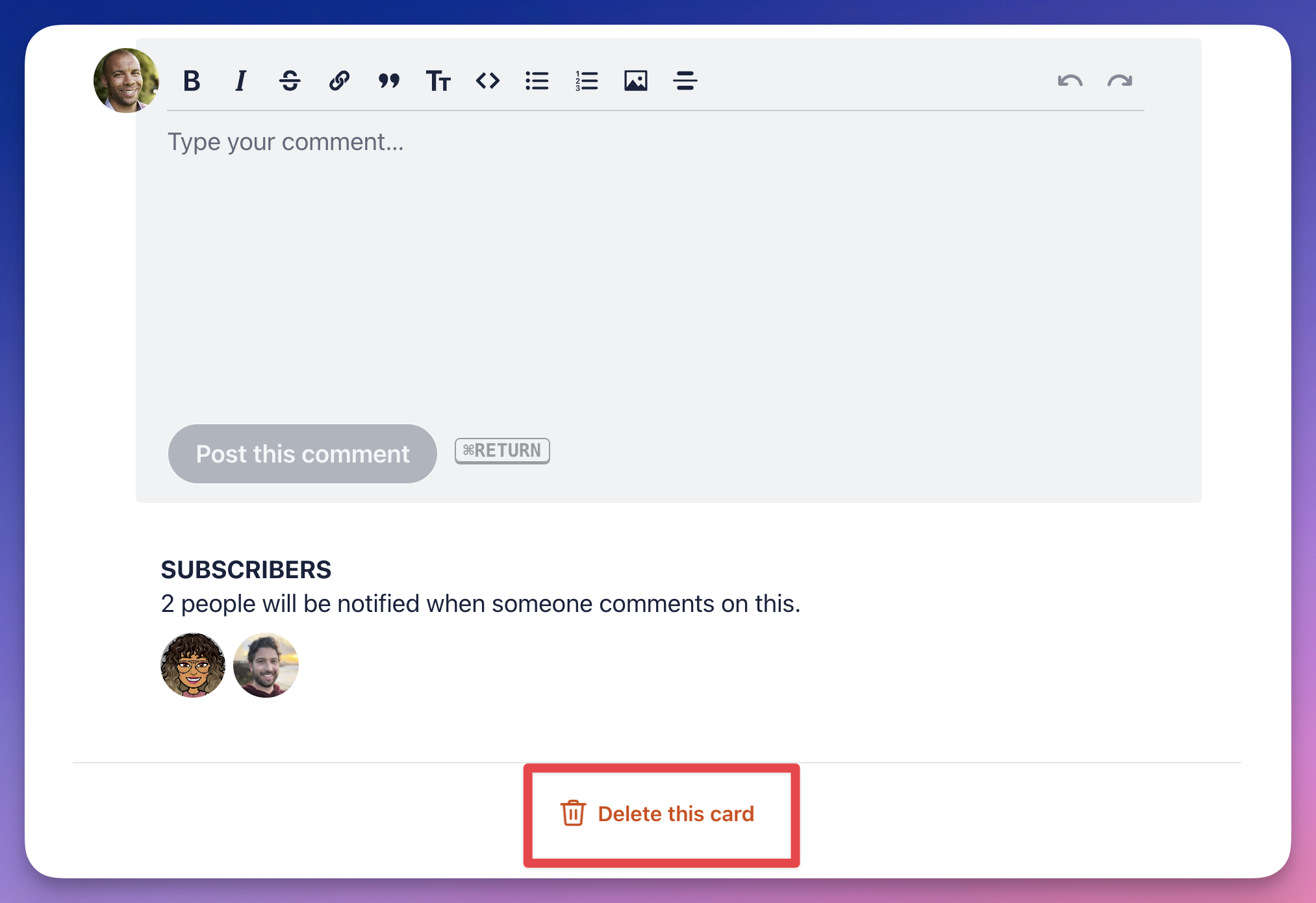
If you're an administrator or the card's creator, you'll see an option to delete your card under the comment section near the bottom of the page.