Instantly see the status of your cards with columns. By default, boards start with three columns: NOT NOW, MAYBE?, and DONE.
Cards are created in the MAYBE? column. From there, you'll make the decision to work on it or move it straight to the NOT NOW column off to the left.
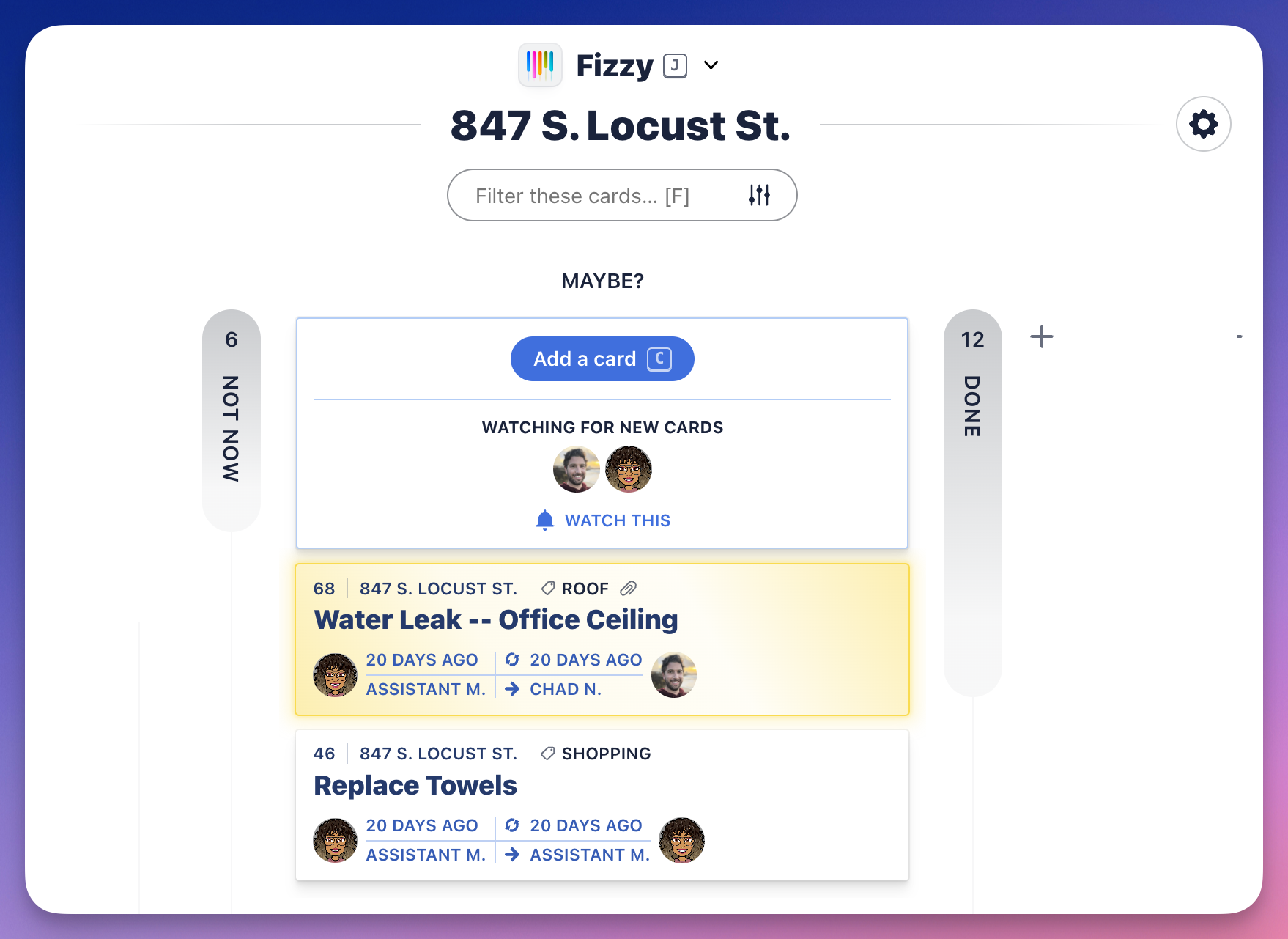
Add a column
You'll likely need other columns to represent your cards' statuses. To add a new column:
- Click the little
+to the right of the DONE column. - Name the column.
- Pick a color.
- Click the Add column button.