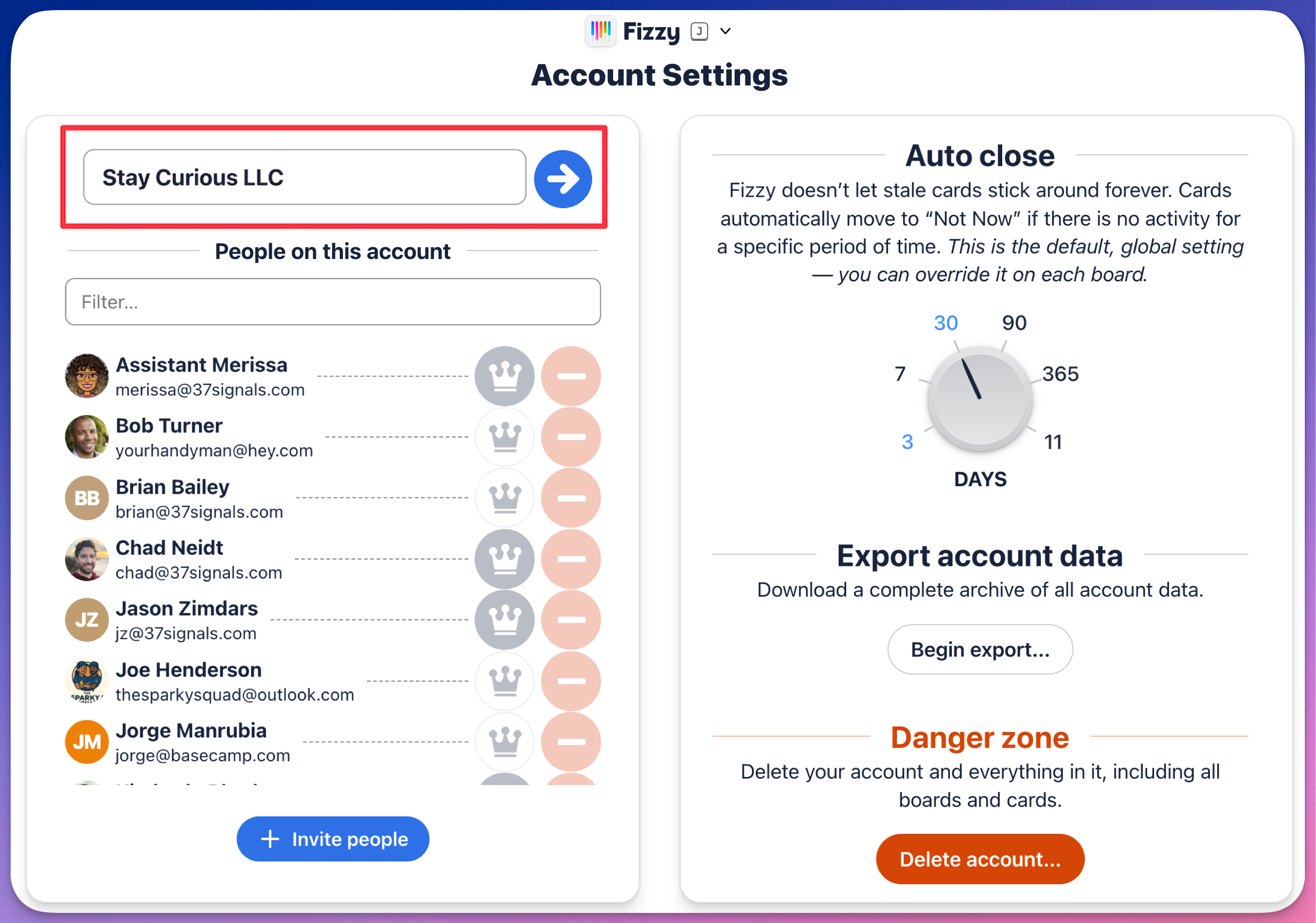
Fizzy keeps it simple here. This is where administrators can:
- Change the account name
- Manage people
- Adjust auto close settings
- Export data
- Cancel an account
Everyone can invite new people to the account here as well.
To get to the account settings page, open the Fizzy menu (J) and click the Account settings option located in the Settings section.
To change the account's name, click the current account name and after you're done typing, hit return (Mac) or enter (Windows) on your keyboard or click the "arrow" button to save your changes.