It's easy to find things in Fizzy. On the bottom of every page, you'll see any cards you've pinned on the left, any new notifications you've received on the right, and a search function right in the middle of the two.
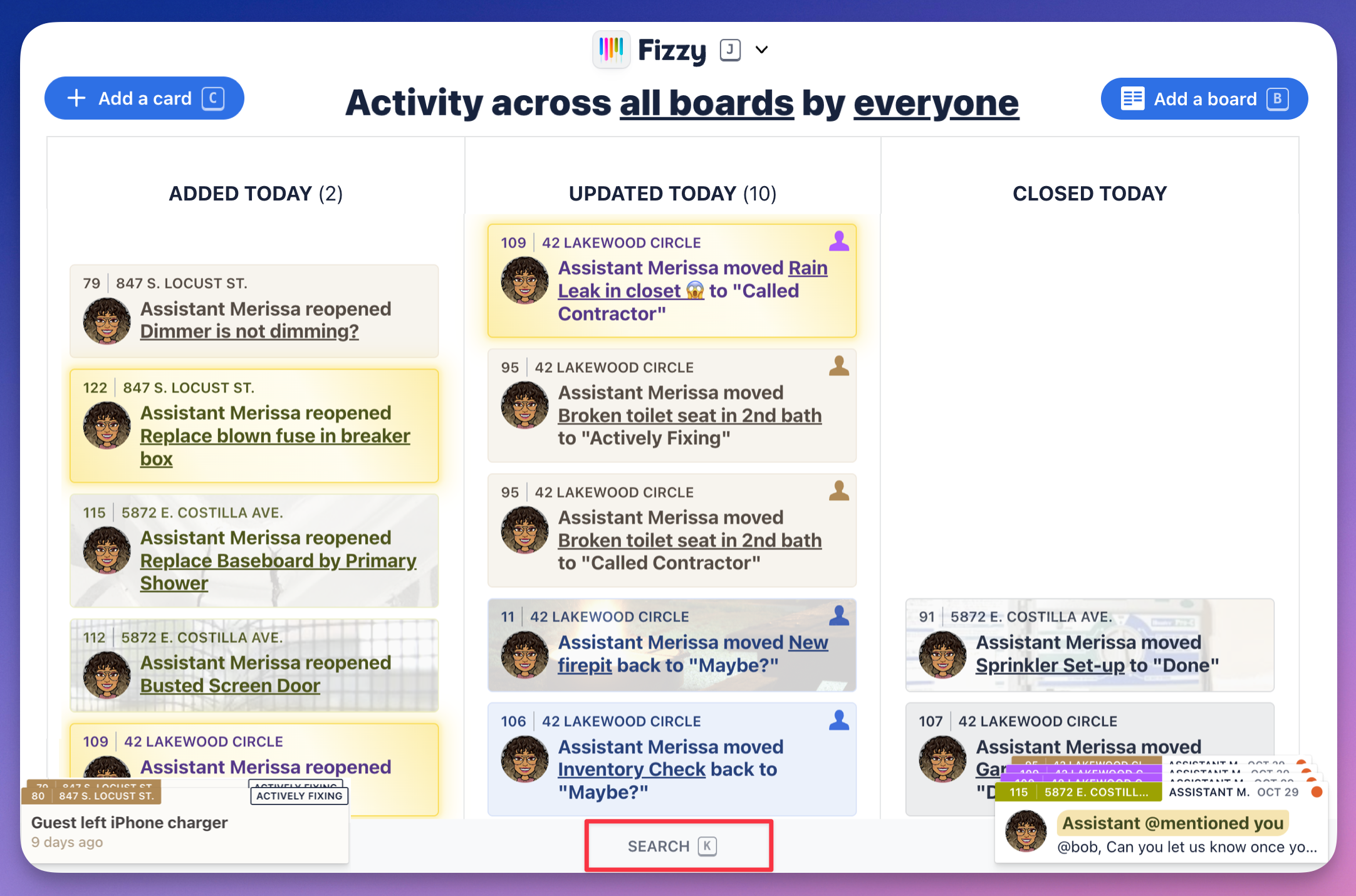
Screenshot of a user's Fizzy Home page. There are three columns showing what was added, updated, and closed today. The Search option on the bottom navigation bar is outlined in red.

To search Fizzy, click Search from the bottom menu or press K on your keyboard to bring up the search bar.
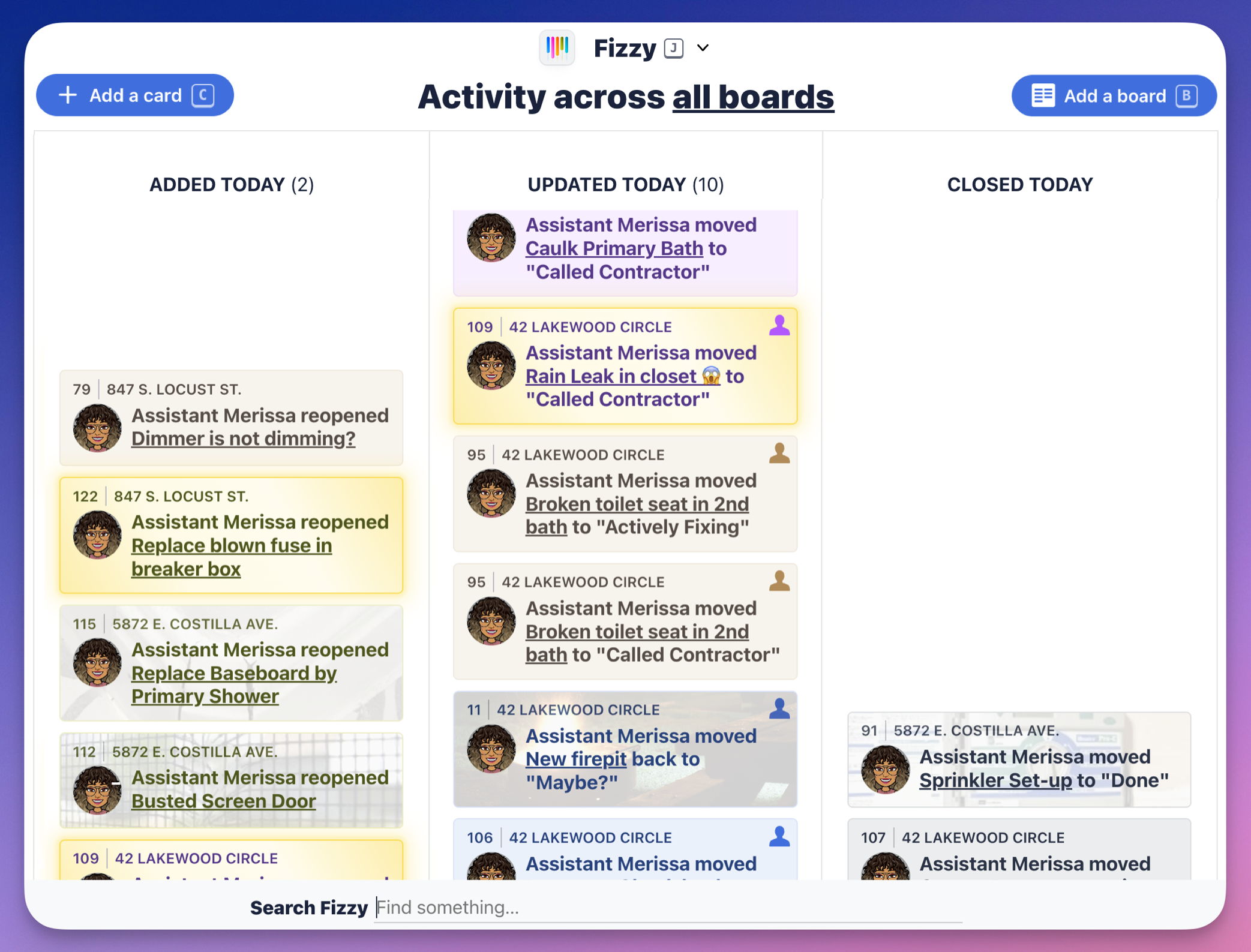
Screenshot of a user's Fizzy Home page. There are three columns showing what was added, updated, and closed. The Search Fizzy bar is open on the bottom navigation bar.