Before canceling, account owners have the option to export your account's data. Once that export is downloaded, head to your Account settings page, and click the Delete account... button to cancel your account.
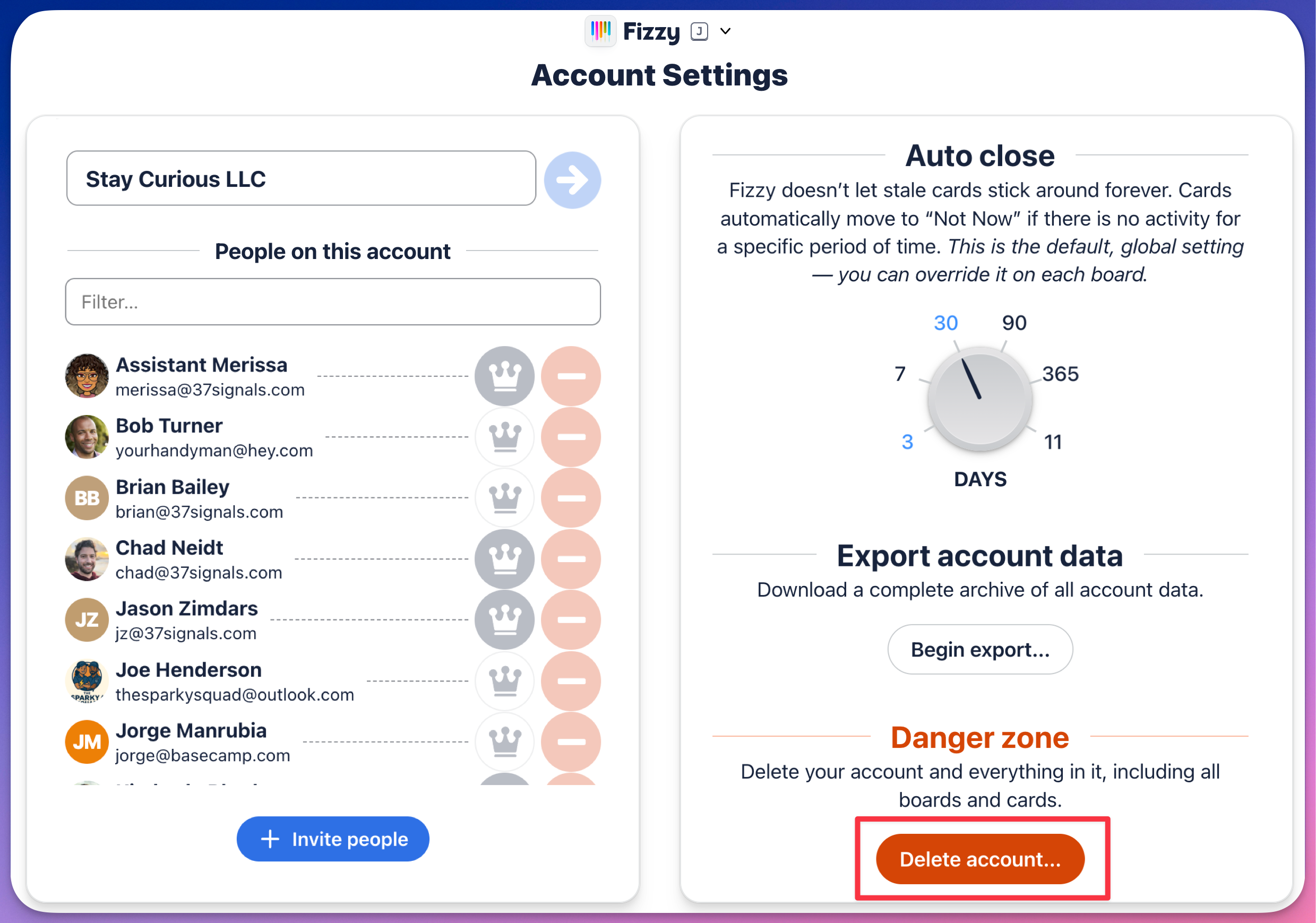
Canceling takes effect immediately. Your account will be inaccessible and the data from your canceled account will be permanently deleted after 30 days. If you need to get back into your account before then for any reason, send us email. We can help!
Warning ⚠️: If your account has been frozen or inactive for some time, we may auto-cancel it. We will give you notice about this. Further details are on our Cancellation Policy page.