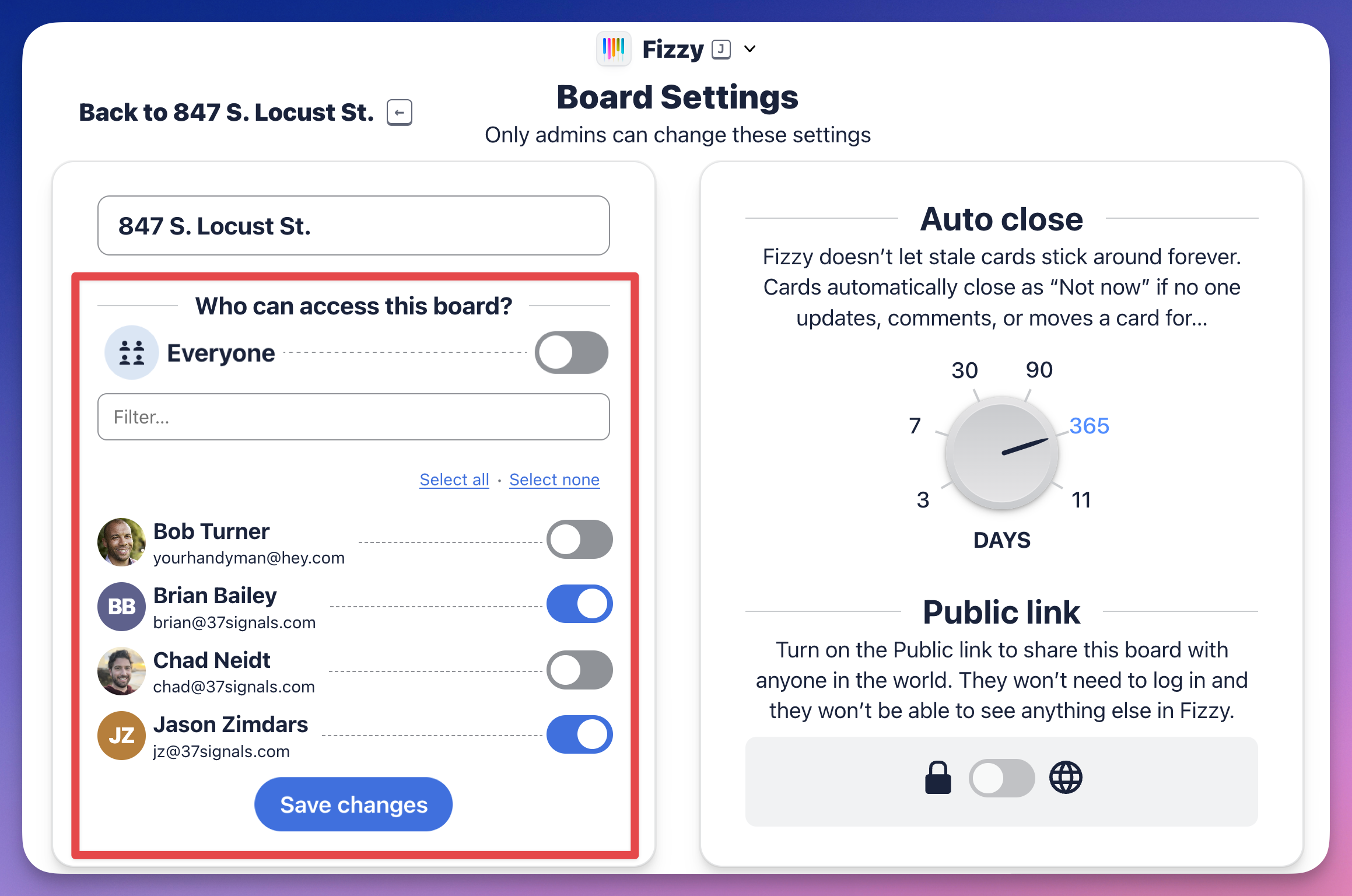
Invite people
To make it easier for everyone, anyone can invite people to the account by clicking the + Invite people button at the bottom left.
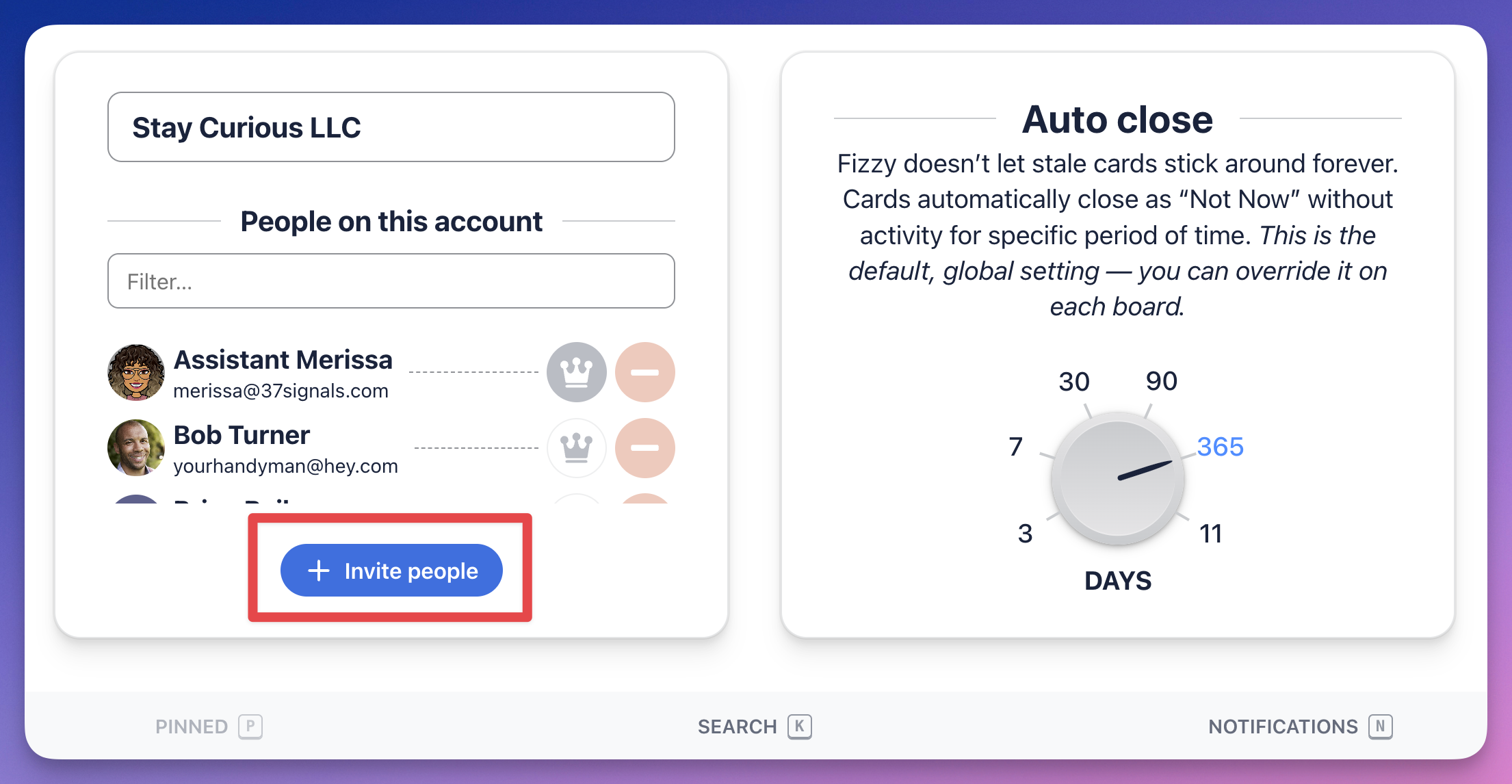
Remove people
If you're an administrator, click the "minus" icon located to the right of a person to remove them from the account.
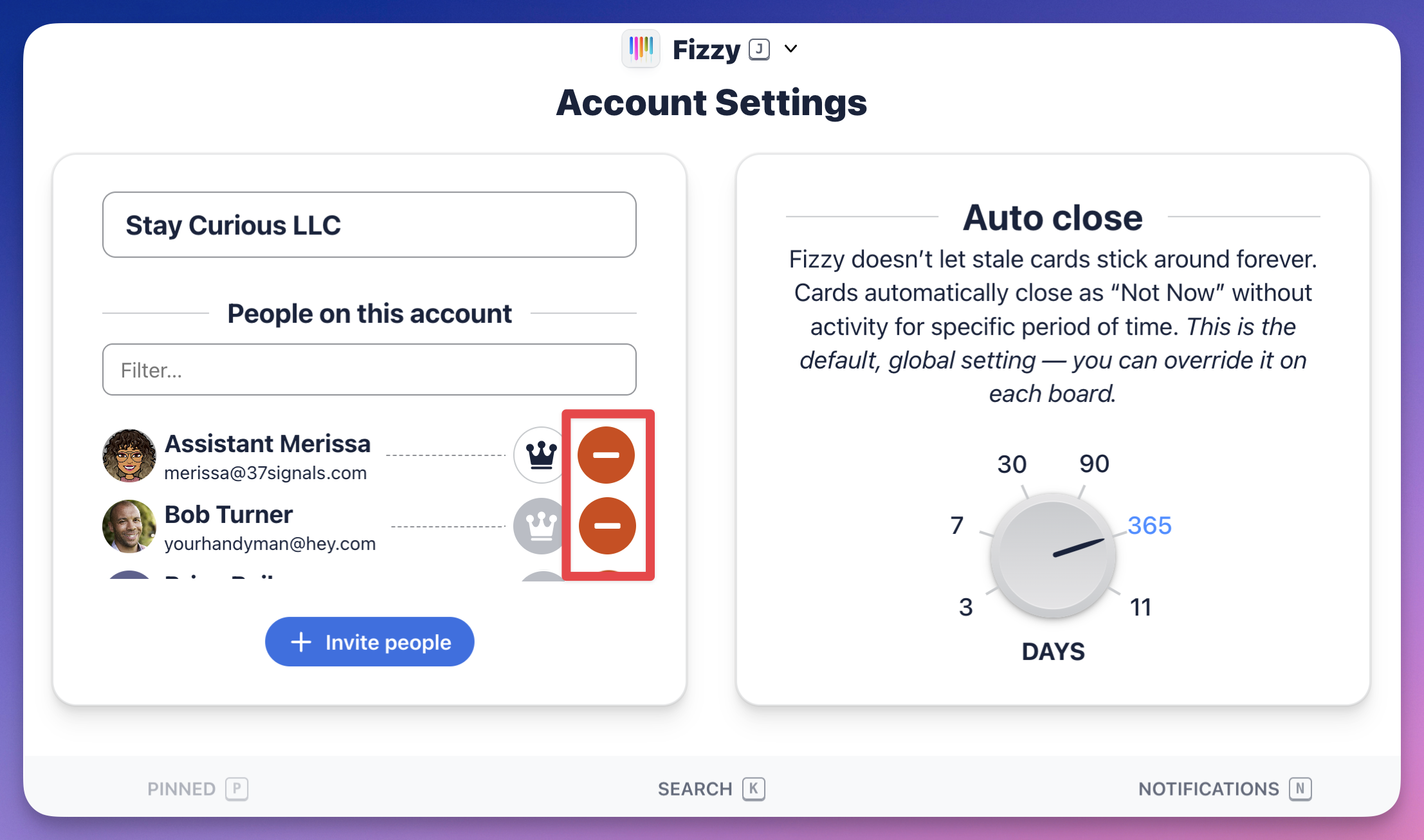
Make someone an administrator
Administrators can change the account name, manage people, and change the auto close and board settings. Share this power with others by clicking the "crown" icon to the right of their name.
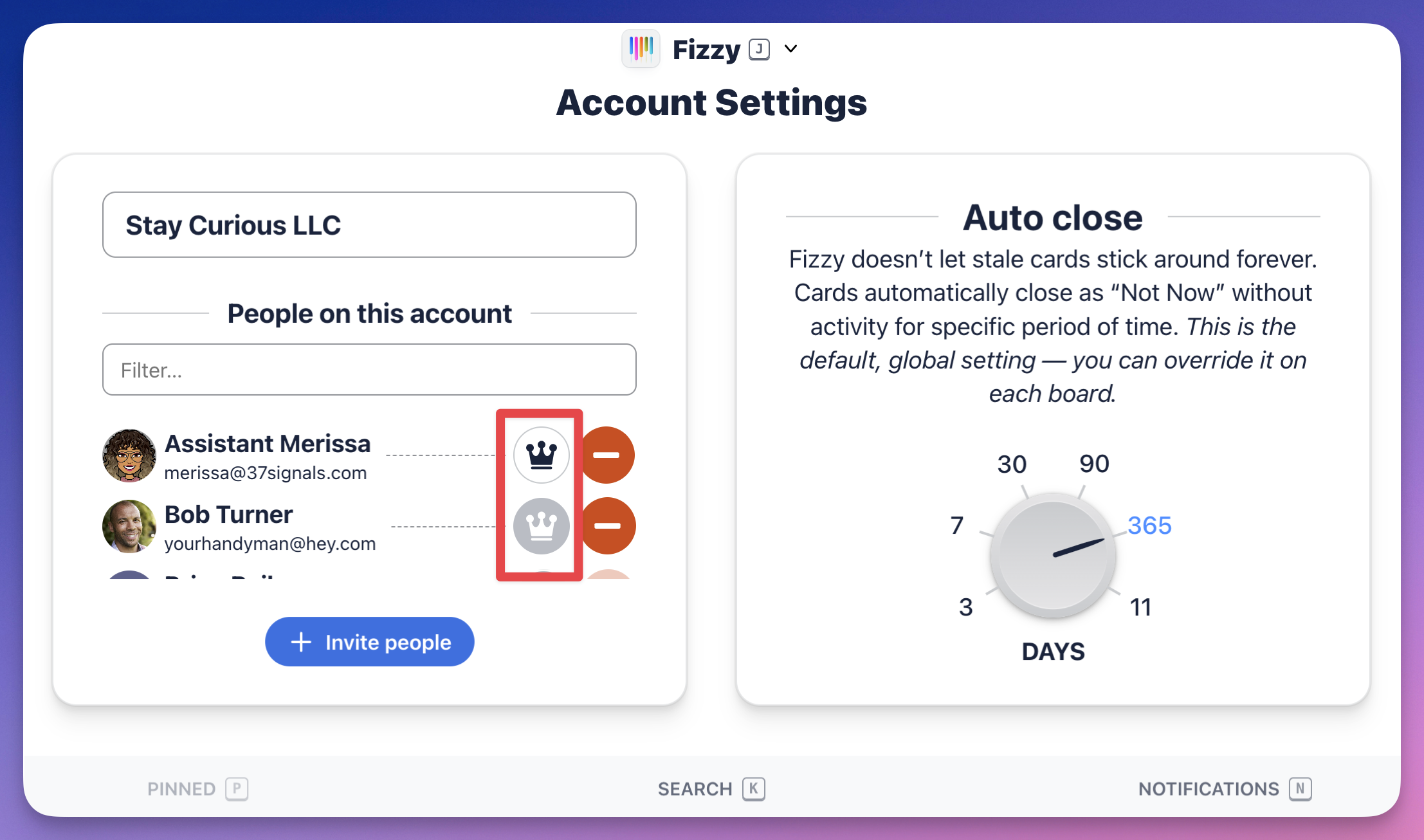
Change who can access a board
Administrators will make this change in the board settings.
If the Everyone option is turned on, click the toggle located directly to the right to turn it off. From there, you can choose who can see a board by clicking the toggles and clicking the Save changes button.