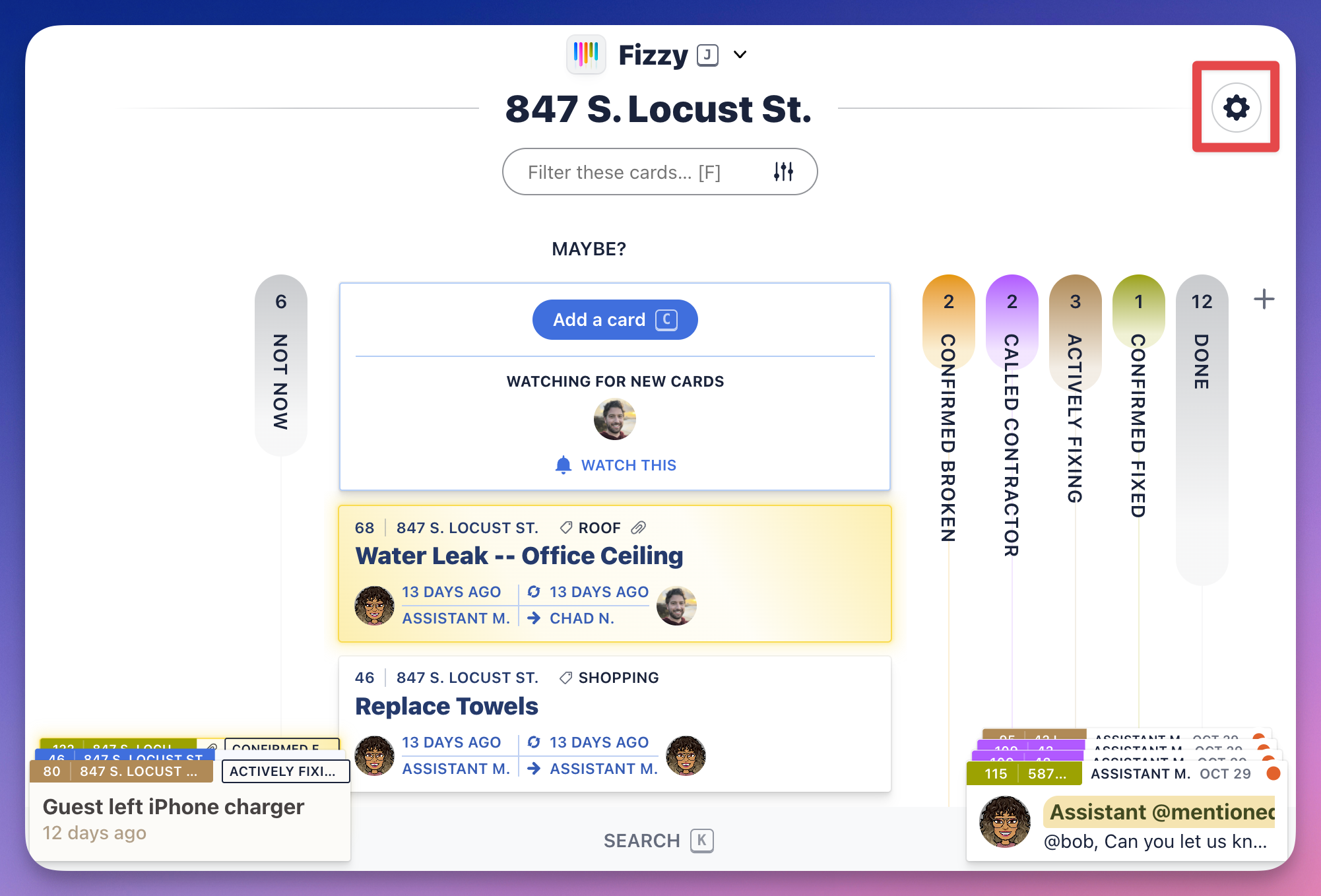
Click the "gear" icon located to the top-right of a board to access its settings.
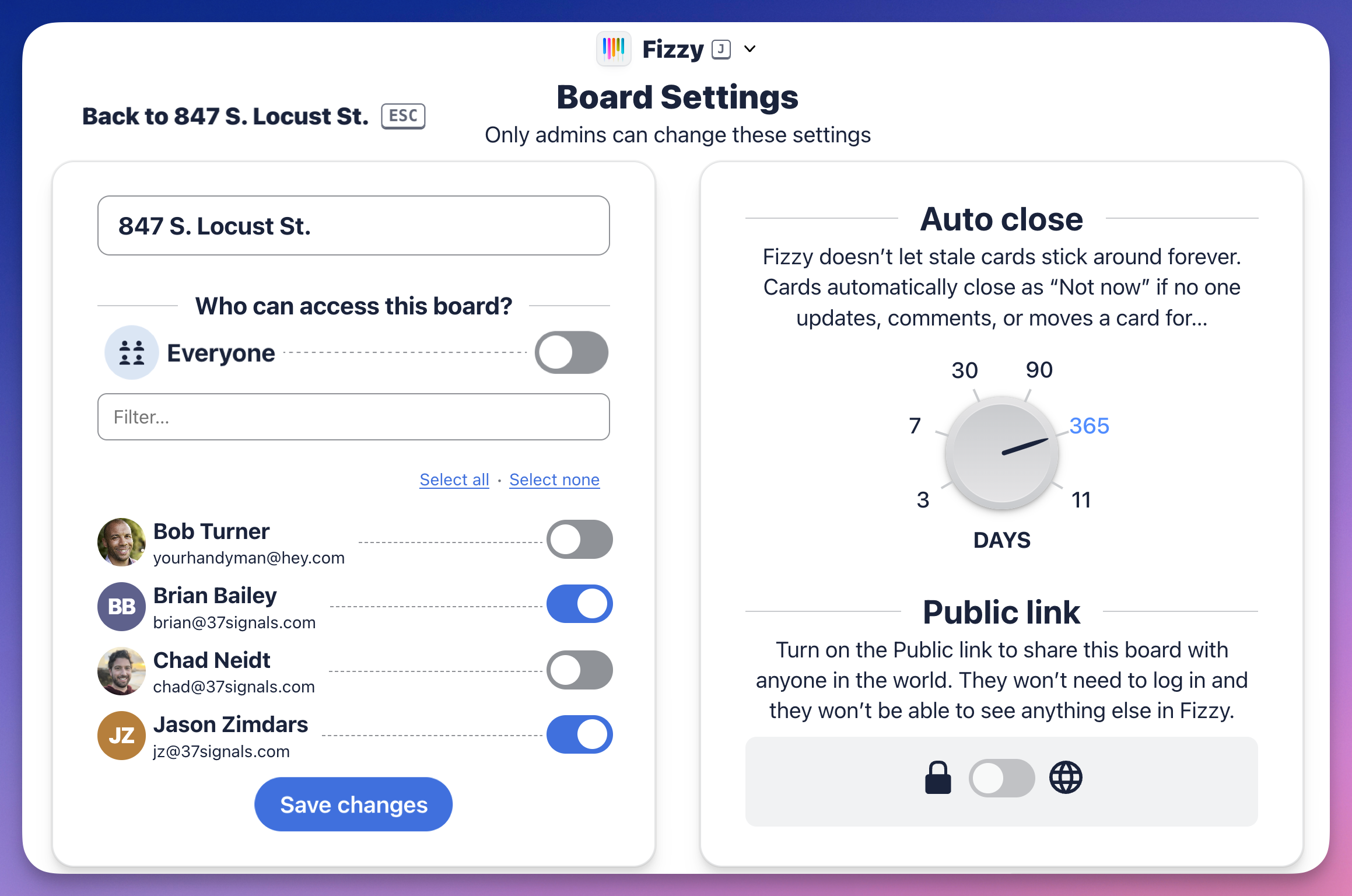
Everyone can see who has access to the board, what the auto-close settings are for cards on this board, and whether a public link is enabled.
Administrators can change the board's settings and delete the board.