Organize your cards quickly using Fizzy's filters.
From any board, use the filter at the top to see just the cards that are relevant to the work you're doing now.
Let's say you only want to see Golden Ticket added by a specific person — click the "filter" icon located at the top to expand the filters.
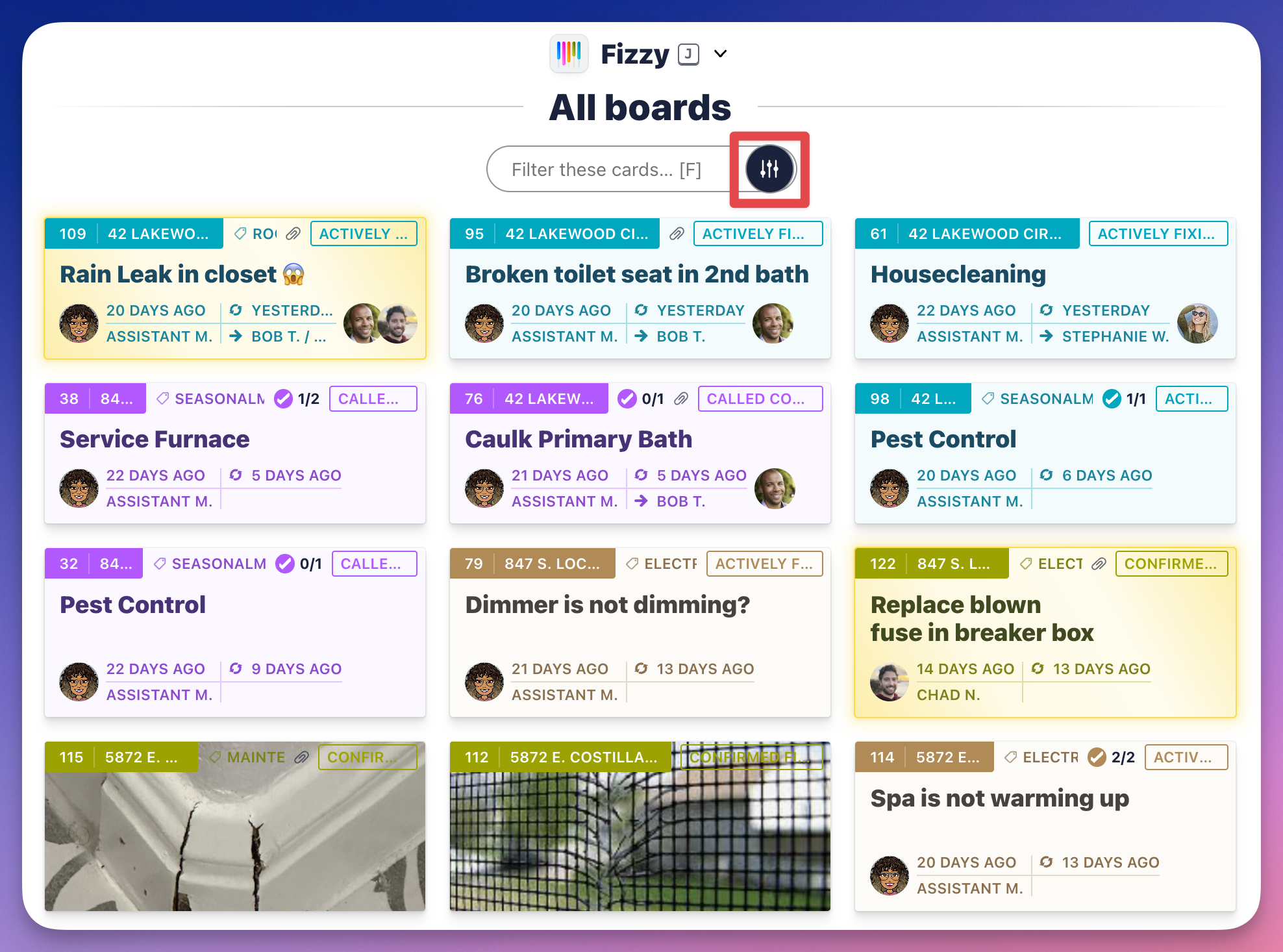
Click the Status filter and select Golden. Filter it further by clicking the the Added by filter and selecting a person. Now, you'll only see all the Golden Tickets added by that person.
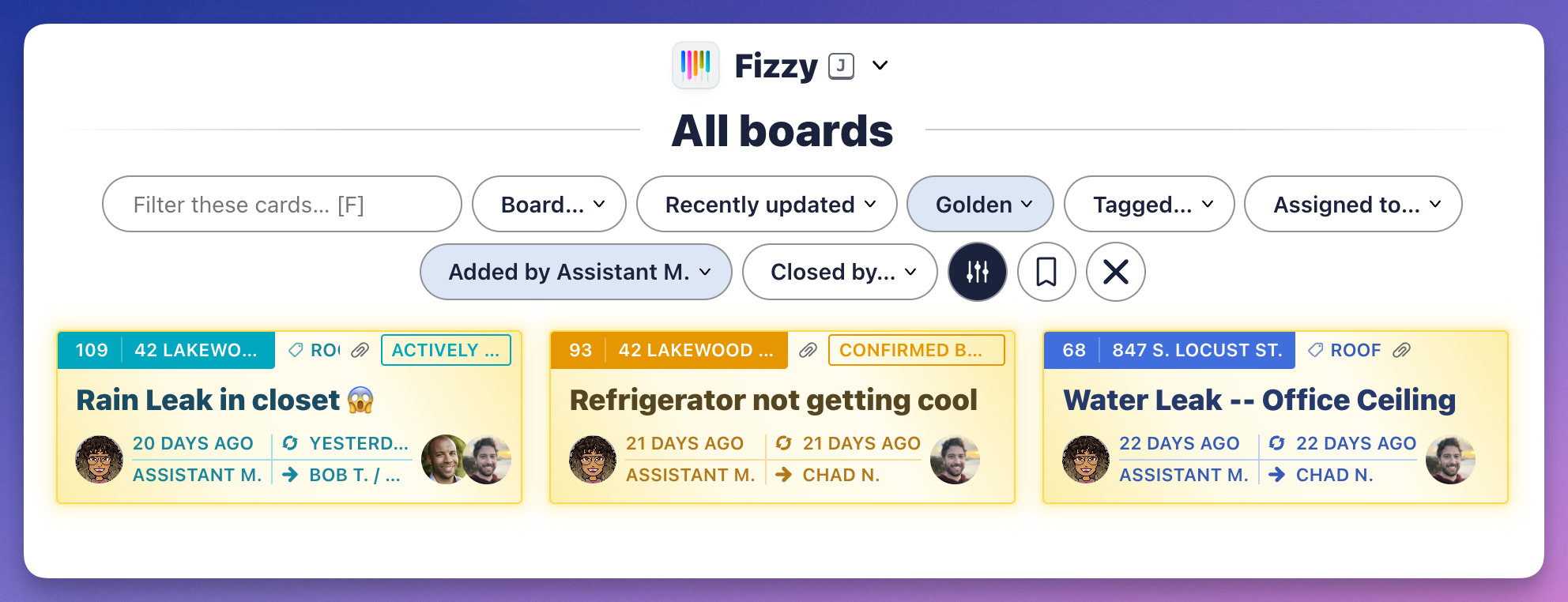
Note 📝:The Status filter will be set to Open by default when using the filters so you'll want to change that when filtering through Not Now and Done Cards.