Access Fizzy like you would any other app on your desktop by installing Fizzy's PWA (progressive web app).
Chrome
- Log into Fizzy using a Chrome browser.
- Click the 'Installation' icon in the URL bar.
- Click the Install button from the pop-up window.

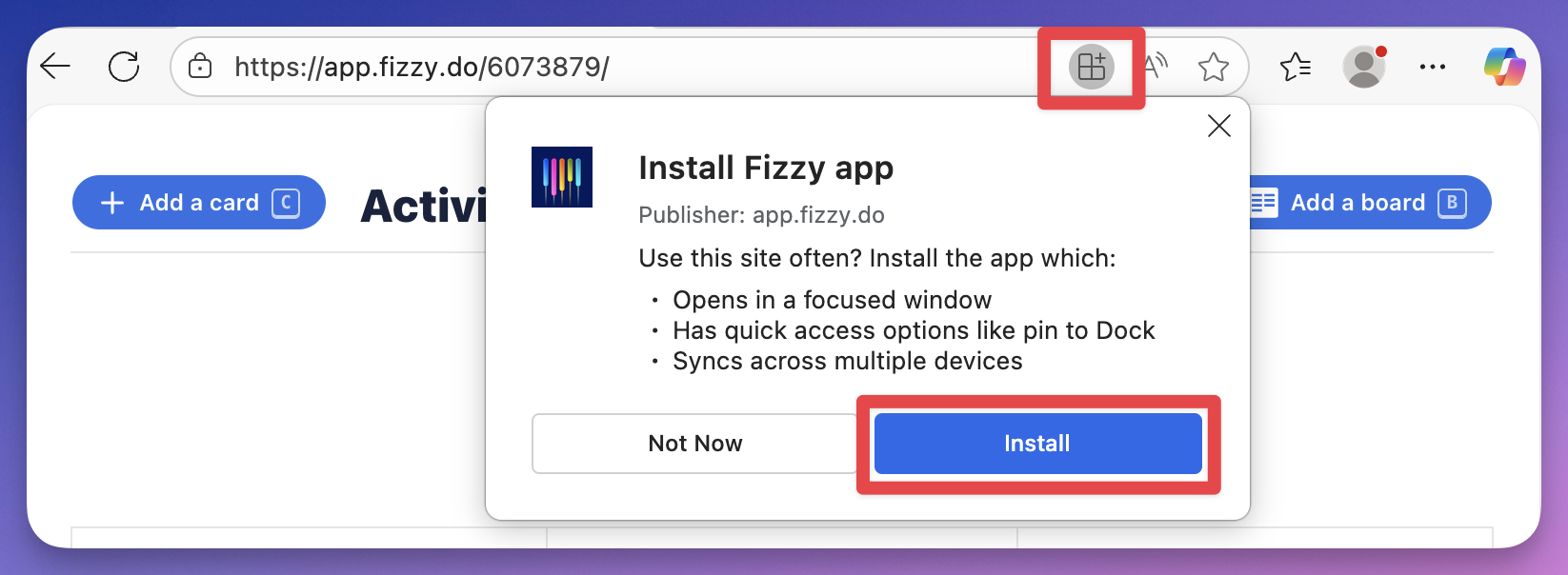
Edge
- Log into Fizzy using a Microsoft Edge browser.
- Click the 'apps' icon in the URL bar.
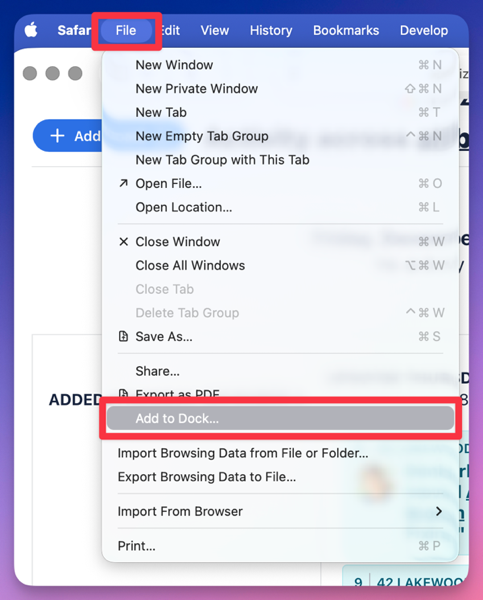
Safari
- Log into Fizzy using a Safari browser.
- Go to the File menu.
- Select Add to Dock.