See all cards in a column
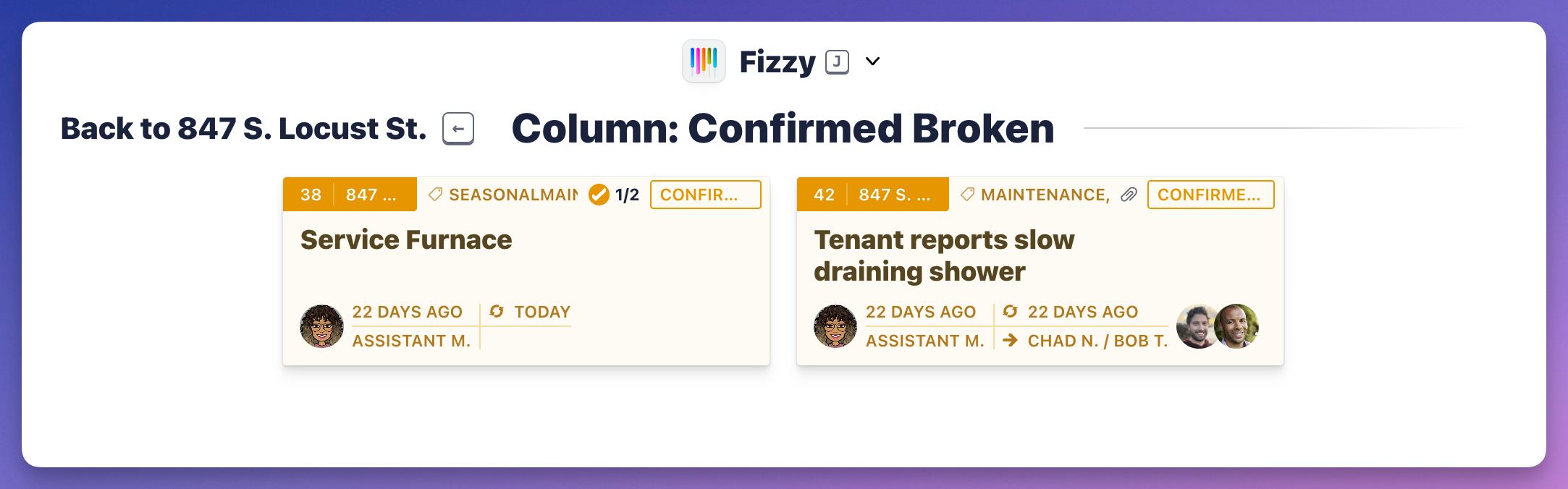
Expand and collapse columns by clicking the column. When a column is expanded, you'll see a "grid" menu icon located on the top-right of an expanded column. Click that to see all the cards in a column.

Expand and collapse columns by clicking the column. When a column is expanded, you'll see a "grid" menu icon located on the top-right of an expanded column. Click that to see all the cards in a column.