Getting things done just feels better with Fizzy — and you’ll do it all using cards.
Cards are simple and have everything you need to make progress — add steps, post comments, assign the card to someone else, and more! We've raised the bar and you'll really feel it after creating your first card.
Add a new card
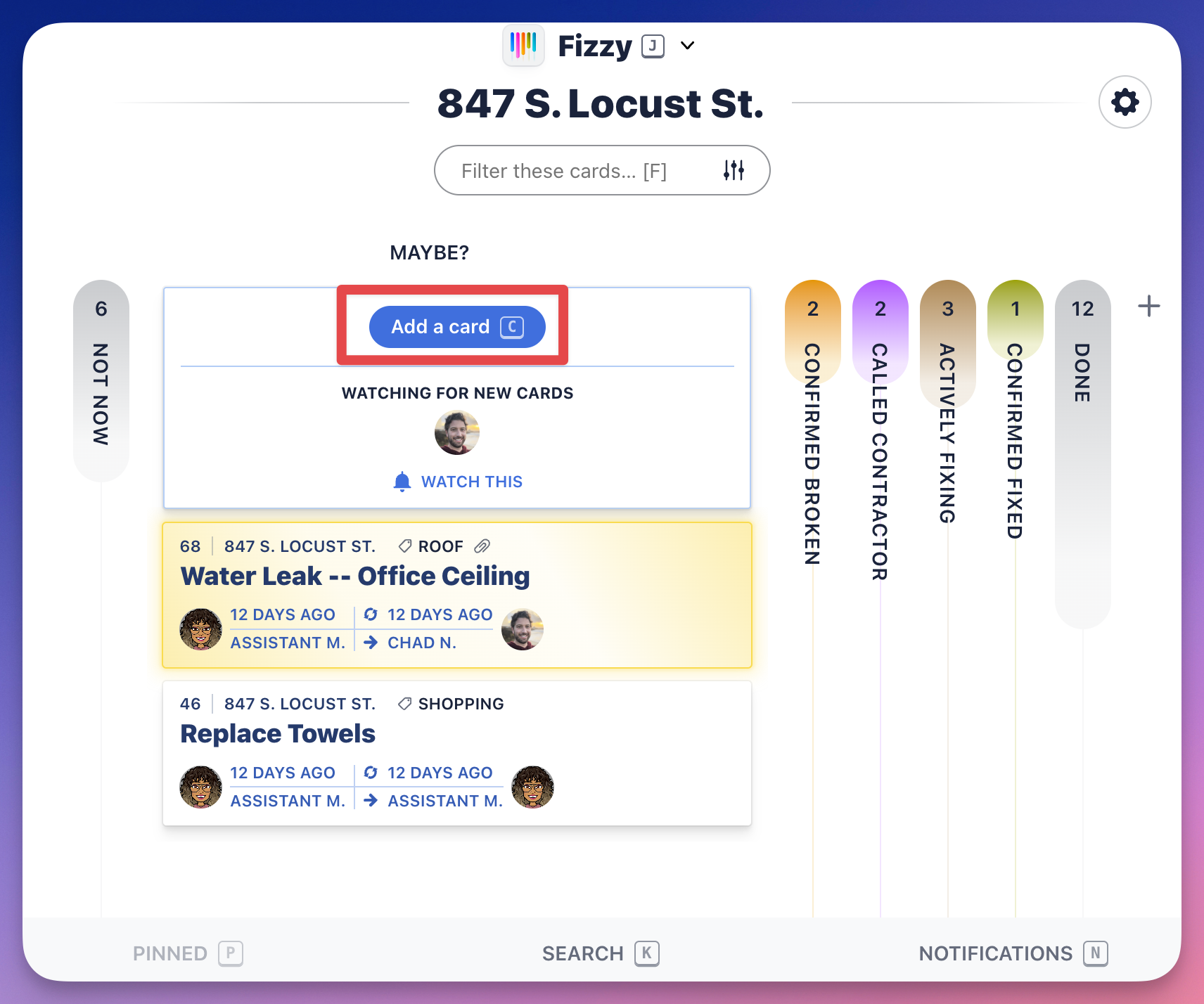
Similar to boards, we've made it easy to create cards. You can make a new card from the Home Screen or from a board — click the Add a card button or hit Con your keyboard.
Add a step to your card
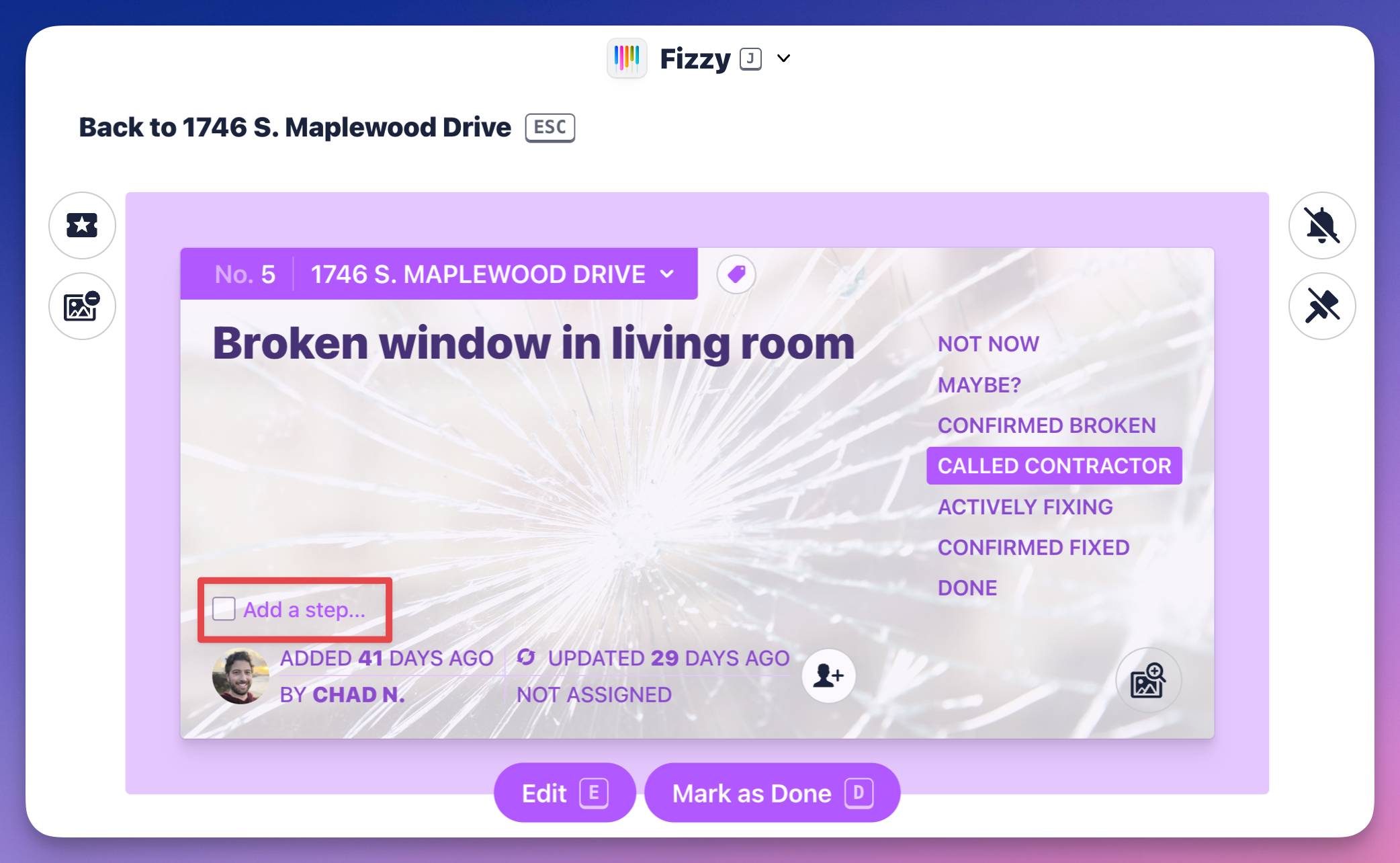
Some tasks require multiple steps. Click the Add a step... link located on the bottom-left, above the card's creator. When you're finished typing, hit return (Mac) or enter (Windows) on your keyboard to save.
Assign a card
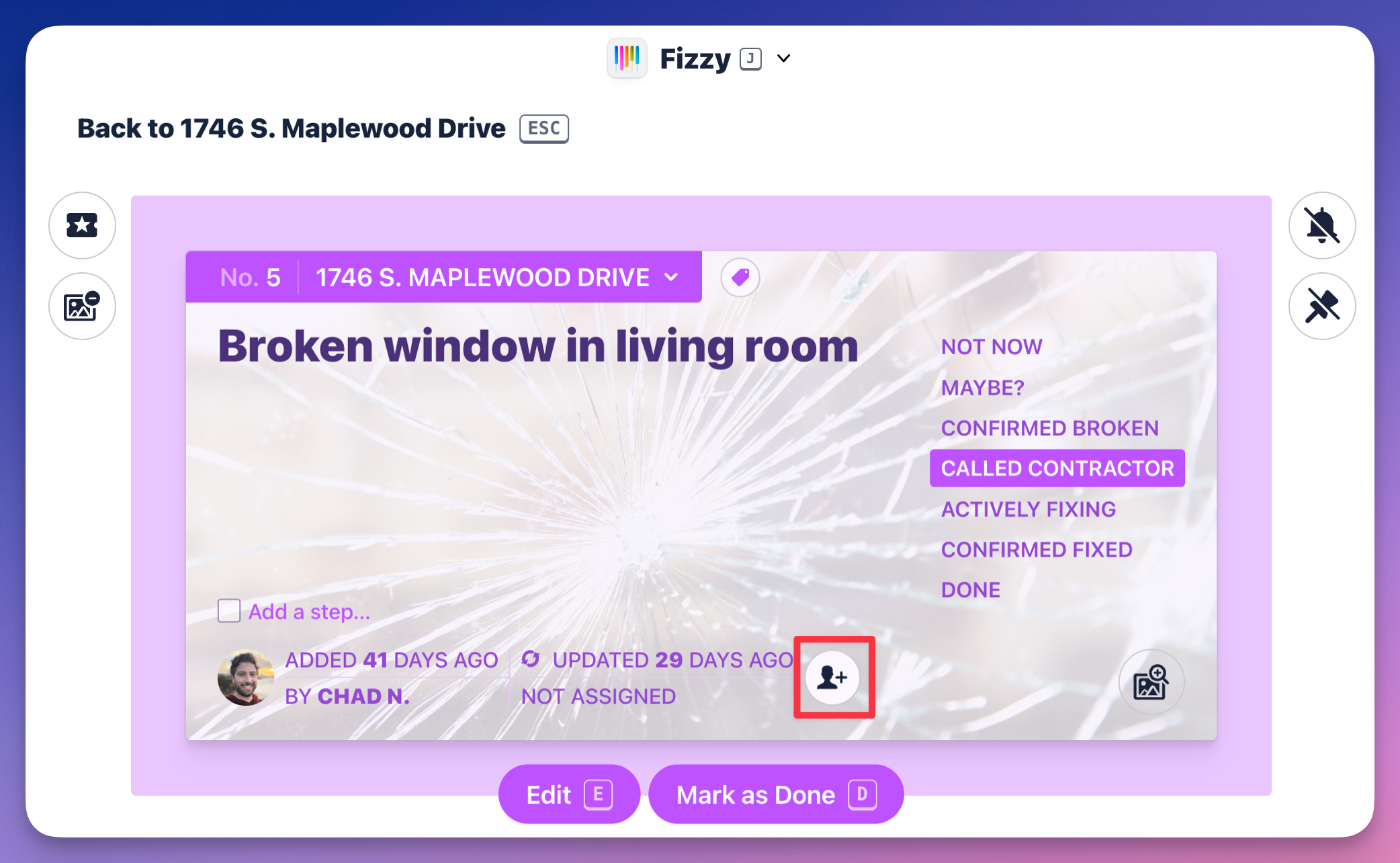
When collaborating with others, you can assign cards by clicking the "Add a person" icon located on the bottom-right and select the person from the pop-up menu.