You can edit, move, or delete any column you've created.
With a column expanded, hover over the column, and the more options menu ••• will appear on the top left. Open that menu to make your changes.
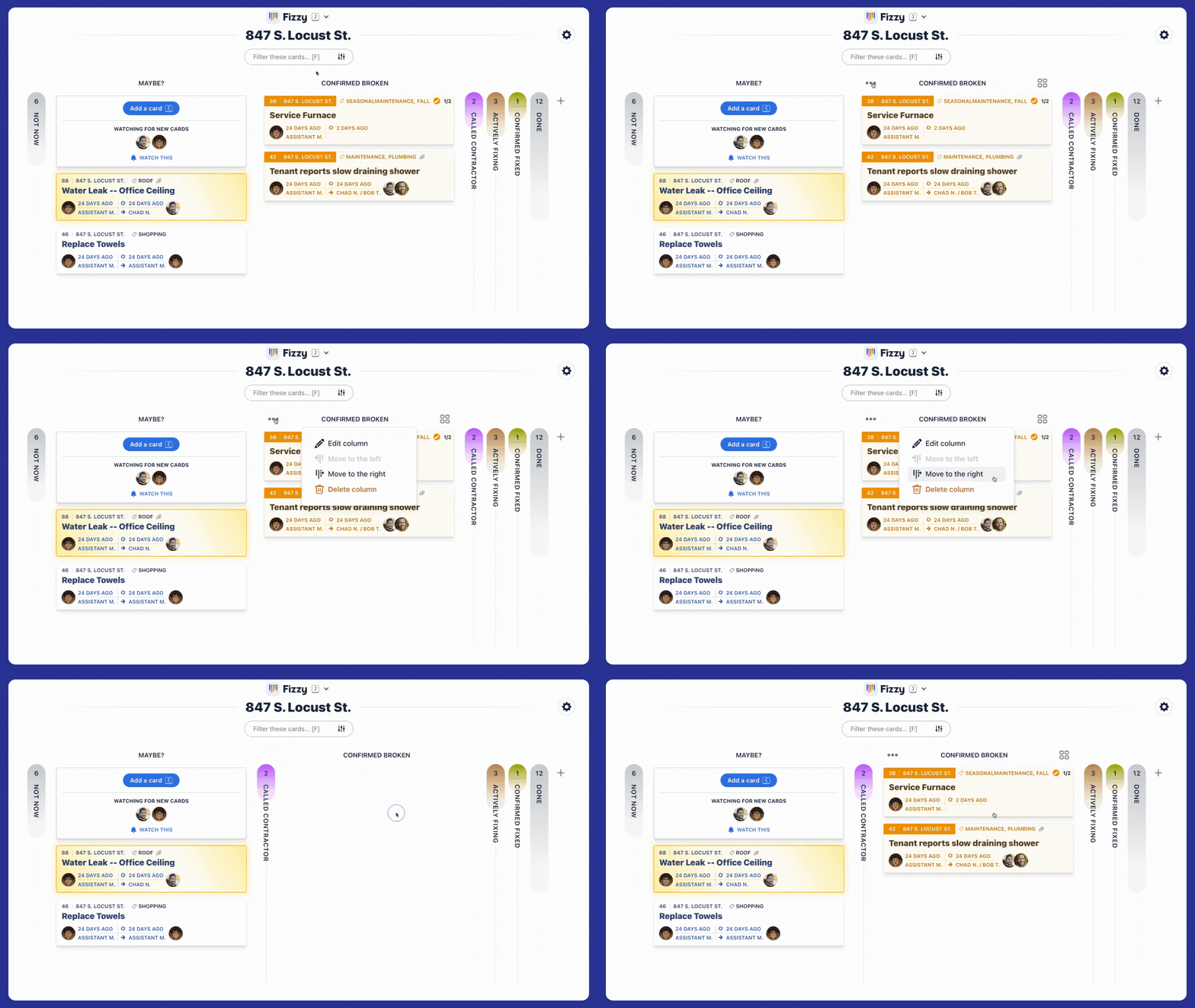
When a column is deleted, the cards within will move back to the MAYBE? column automatically.