---
title: "Webhooks"
url: "https://help.fizzy.do/3/fizzy-help-guide/67/webhooks"
---
Webhooks can notify another application when something happens in a specific Fizzy board. You’ll choose which events to subscribe to and provide a URL to receive the data.
For example, you could create a webhook that posts to a project's Chat in Basecamp when new cards are added to Fizzy.
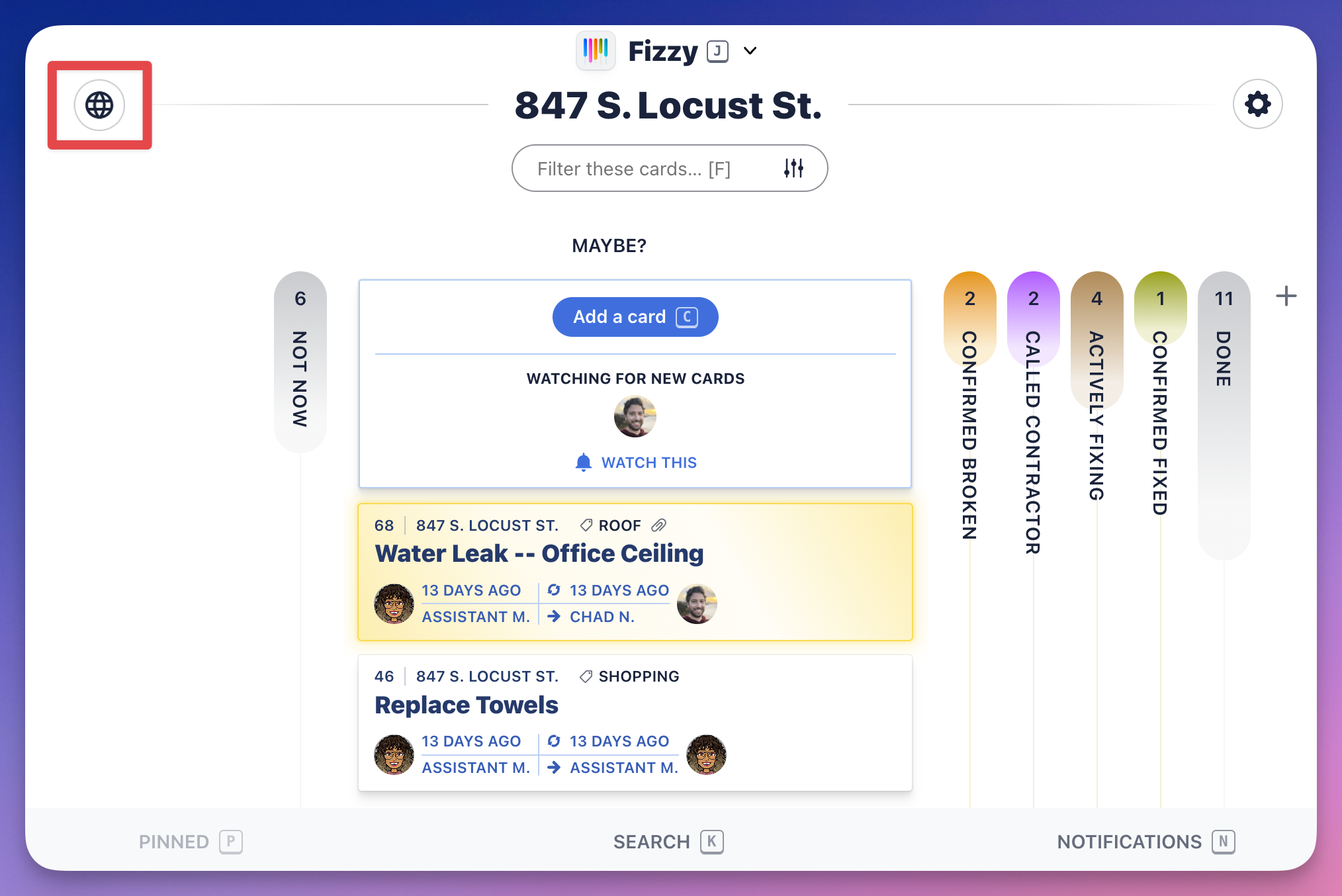
To create a webhook, you'll need to be an Administrator on the account. Click the "world" icon located on the top-left of a board and follow the instructions there.
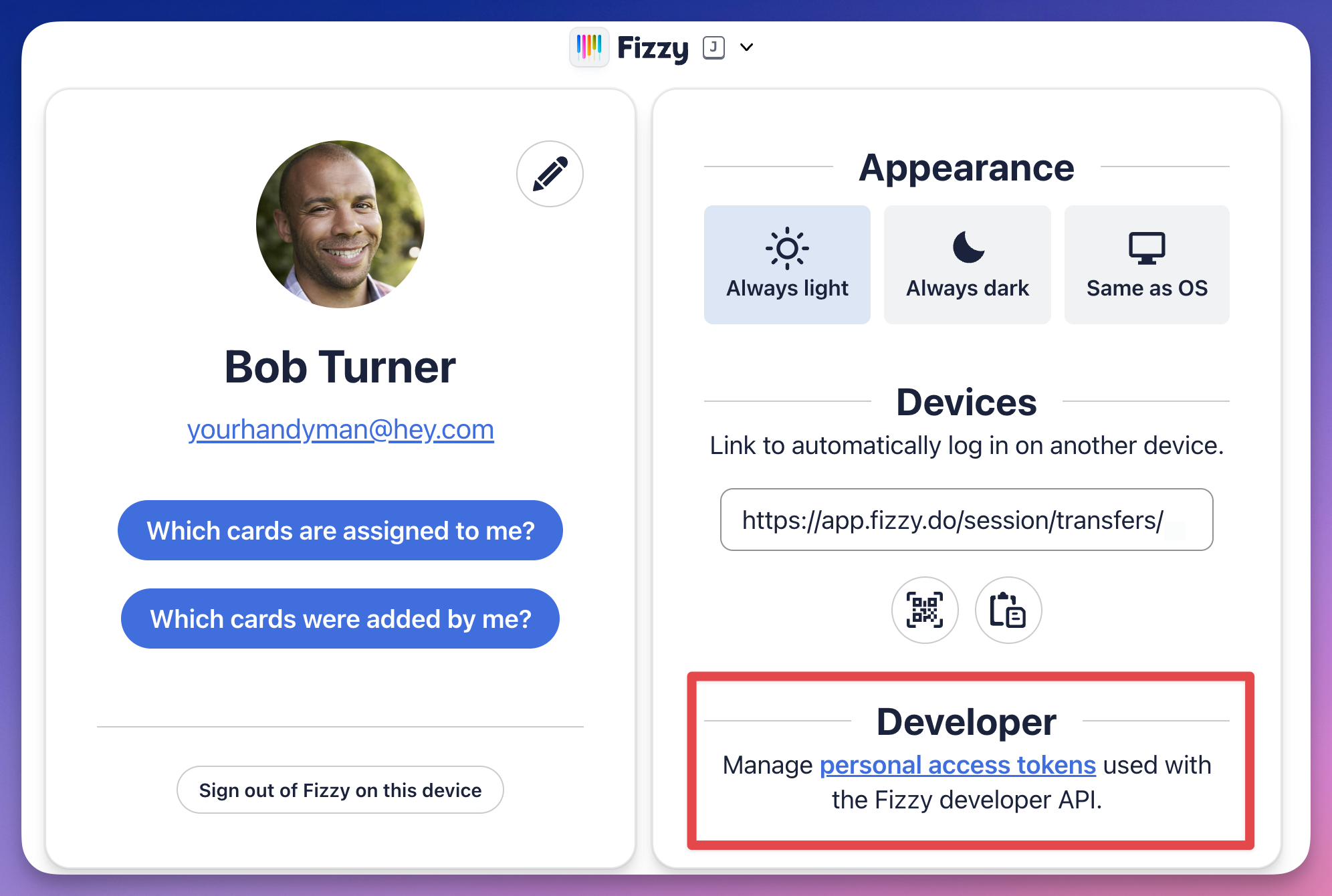
To manage your personal access tokens, you'll head over to your My profile page and click the **personal access tokens** link located in the **Developer** section located on the bottom right.