---
title: "Transferring account ownership"
url: "https://help.fizzy.do/3/fizzy-help-guide/82/transferring-account-ownership"
---
Need to transfer the ownership of your Fizzy account to someone else? Here's how:
1. Head to your My profile page.
2. Click the "pencil" icon located to the right of your avatar.
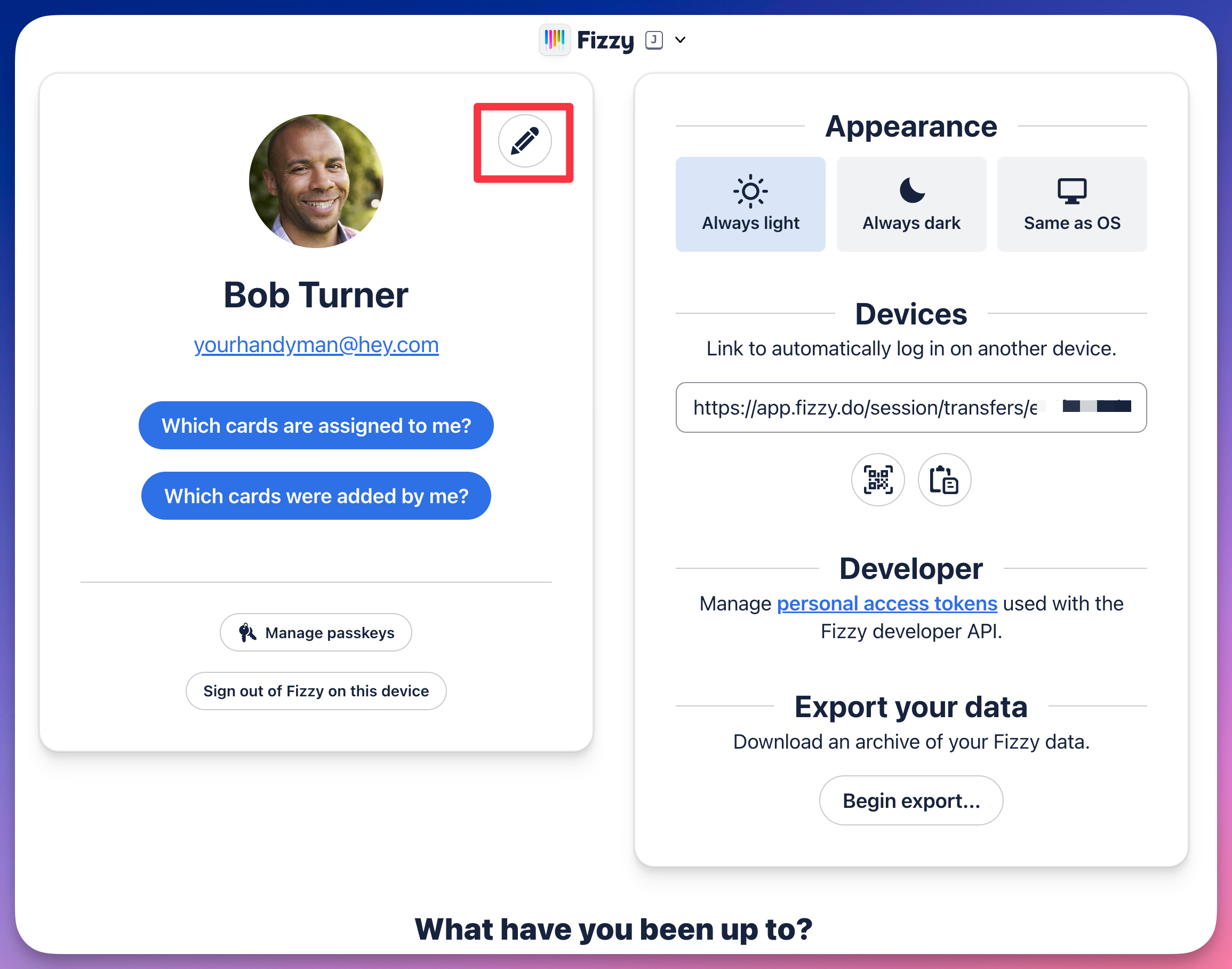
3. Click the **Change email** link.
4. Enter the email address of the new owner.
5. Click the **Continue** button.
After that, the new owner will verify the change using the email sent to their address, update their name, and avatar image in their **My profile** page.
Note 🗒️: If you want to transfer the account to someone already on the account, you'll need to first
remove them from the account so their email is available to make as the new owner. That's it!