Export your account data
To export, head over to your Account settings and click the Begin export... button.
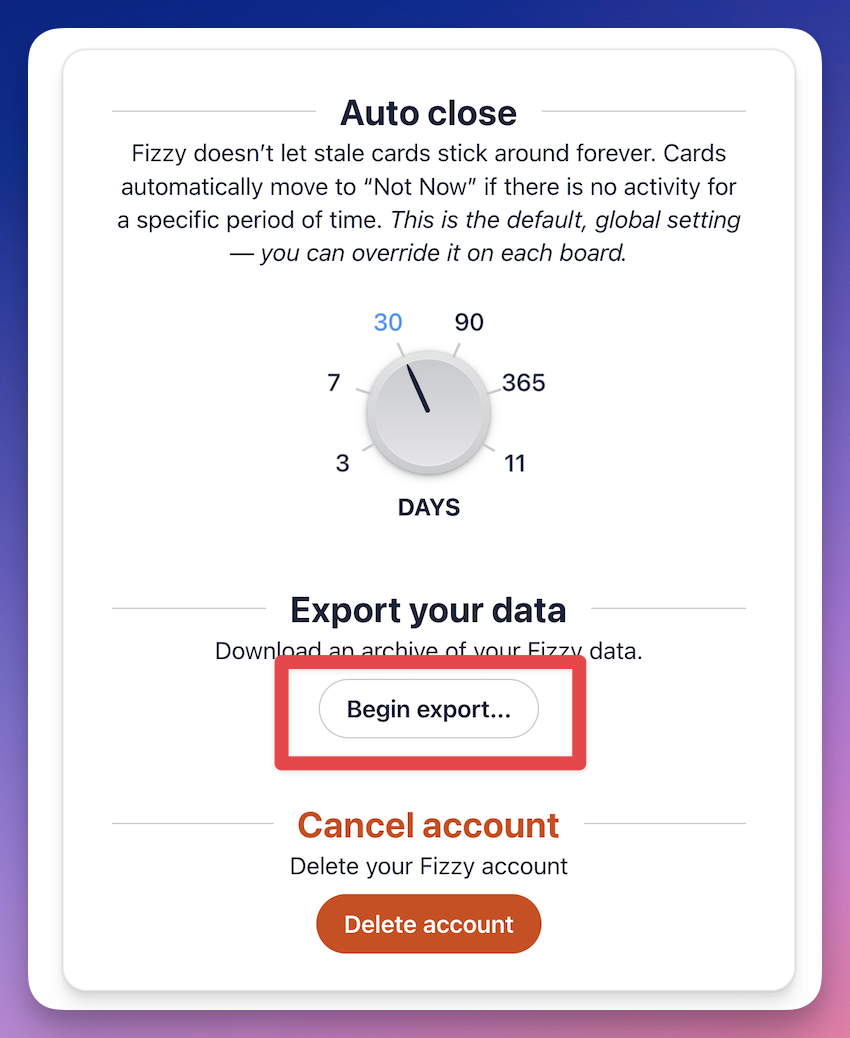
We'll bundle up your data in the background and send you an email with the download link when the package is ready.
Import your data into a new account
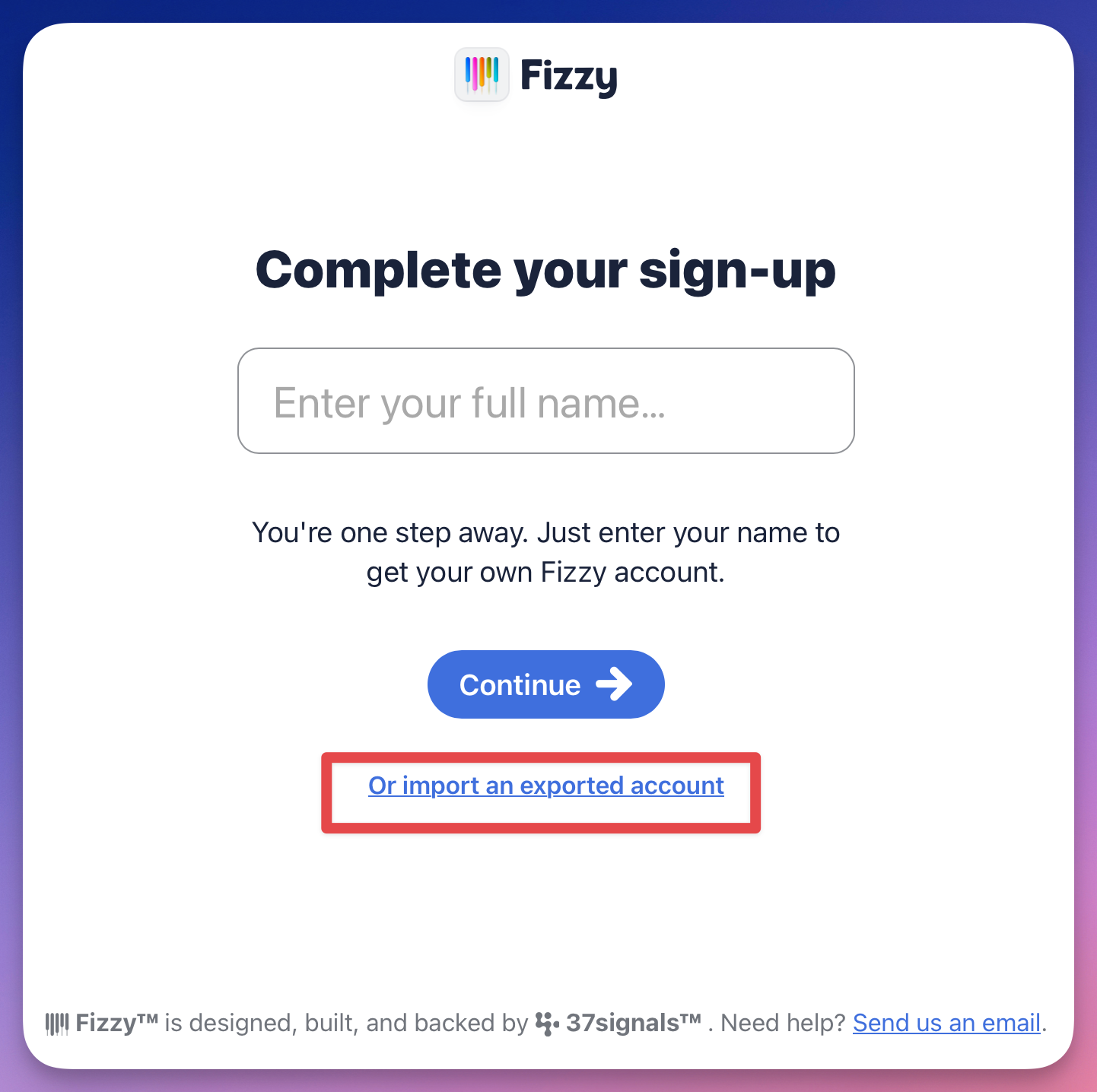
With a download of your account data, head over to fizzy.do, hit the Start for free button on the top right, enter your email address, and click the link to import an exported account:
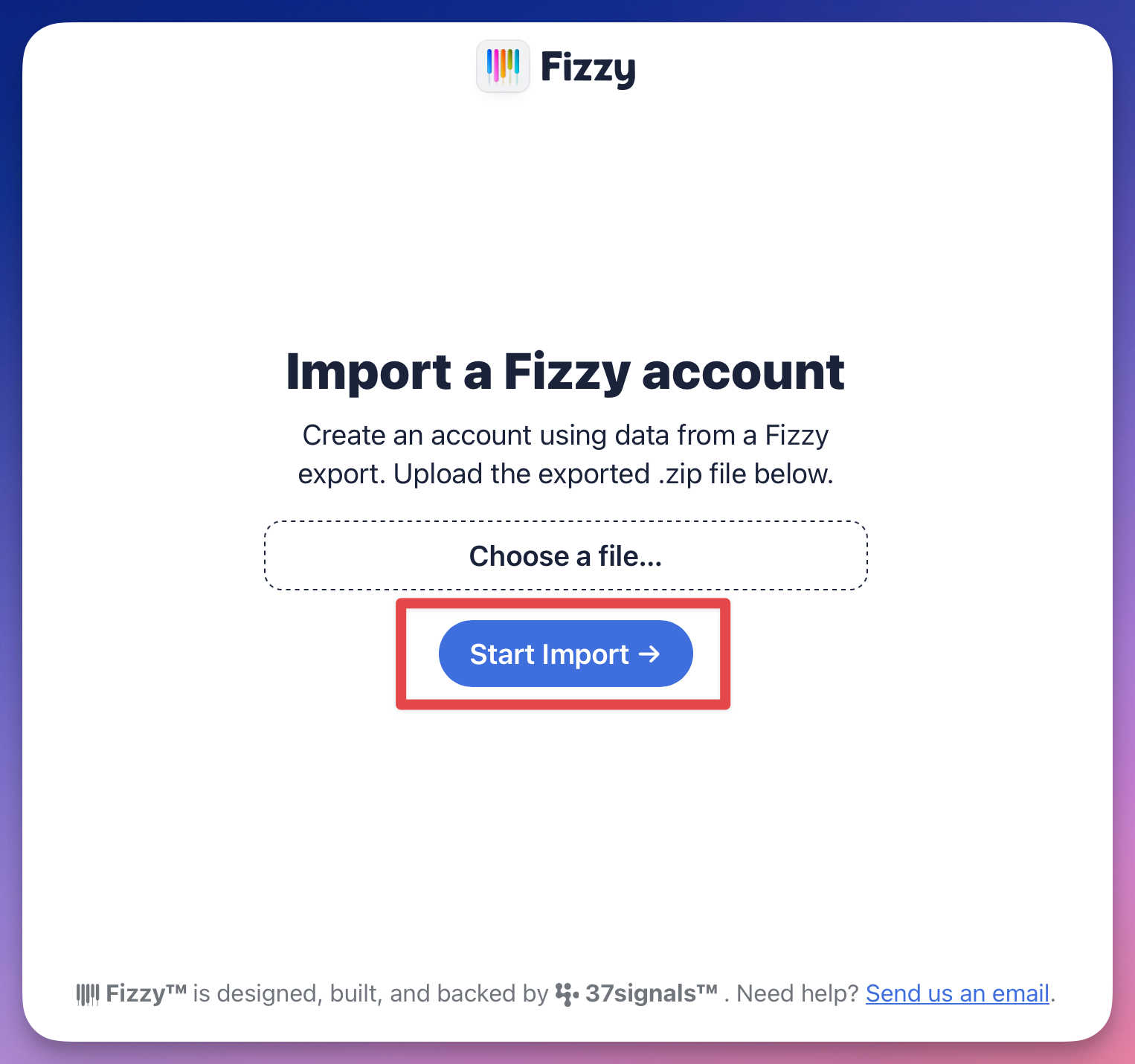
Upload your export ZIP file on the following screen and hit the Start Import button.